USTER®
HVI 1000
Instruction Manual
Uster Technologies, Inc. Chapter 3
(3/08) System Startup - Page 3-6
appended. If the database does not already exist, a new database will
be created as specified in the Path / Filename option.
Note: System test data can also be automatically exported after a test
completes. Ask your Uster service technician about configuring your
system for this functionality.
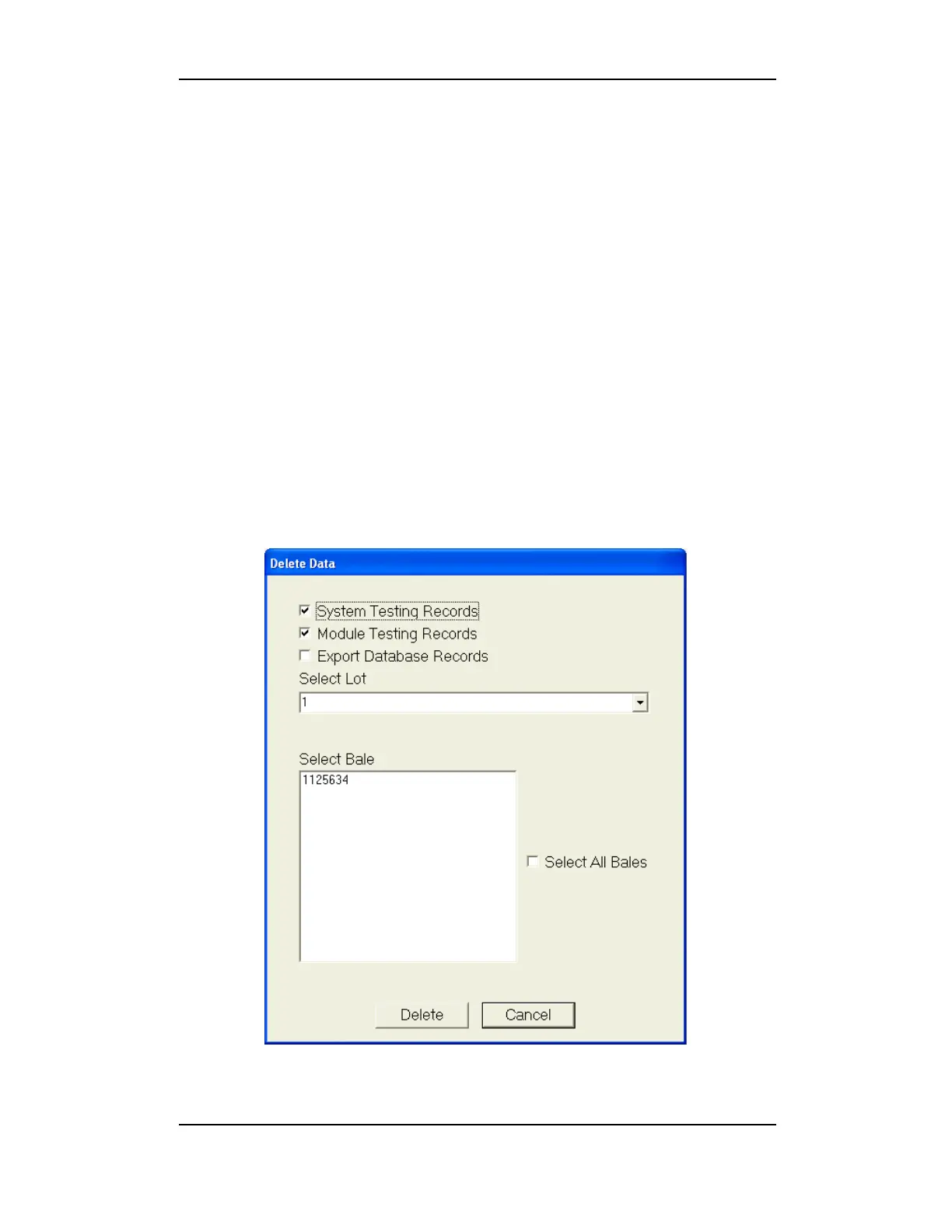
2.1.2.9 Delete Data
The Delete Data function allows the user to search for and delete
specific Lot and Bale IDs from system testing and module testing records.
To launch the viewer, click Actions on the menu bar and then click
Delete Data. Enter a valid password to launch the screen. Use the
check boxes to limit the data display to system testing or module testing.
Bale IDs to be deleted can be highlighted, or the checkbox for Select
All Bales can be selected for the desired Lot.
Figure 3-4: Delete Data



 To Next Page