USTER®
HVI 1000
Instruction Manual
Uster Technologies, Inc. Chapter 5
(3/08) Calibration - Page 5-29
Note: The software will indicate when calibration is complete and
a PASS condition has been achieved.
5. Once calibration is complete and within tolerance you can view or
print the Report.
6. Click Finish to return to the CALIBRATION MAIN MENU.
Note: The Halt button will stop calibration before it is complete.
ATTENTION:
Make sure the tiles are observed in the order requested
on the screen. During this procedure the tile being
measured is compared to the standard value stored for
that tile. If the values are different, the system adjusts
the constants, which could cause measurements to be
skewed.
Note: Always use the same set of tiles for daily calibration that you
used for original color calibration. DO NOT MIX TILE SETS.
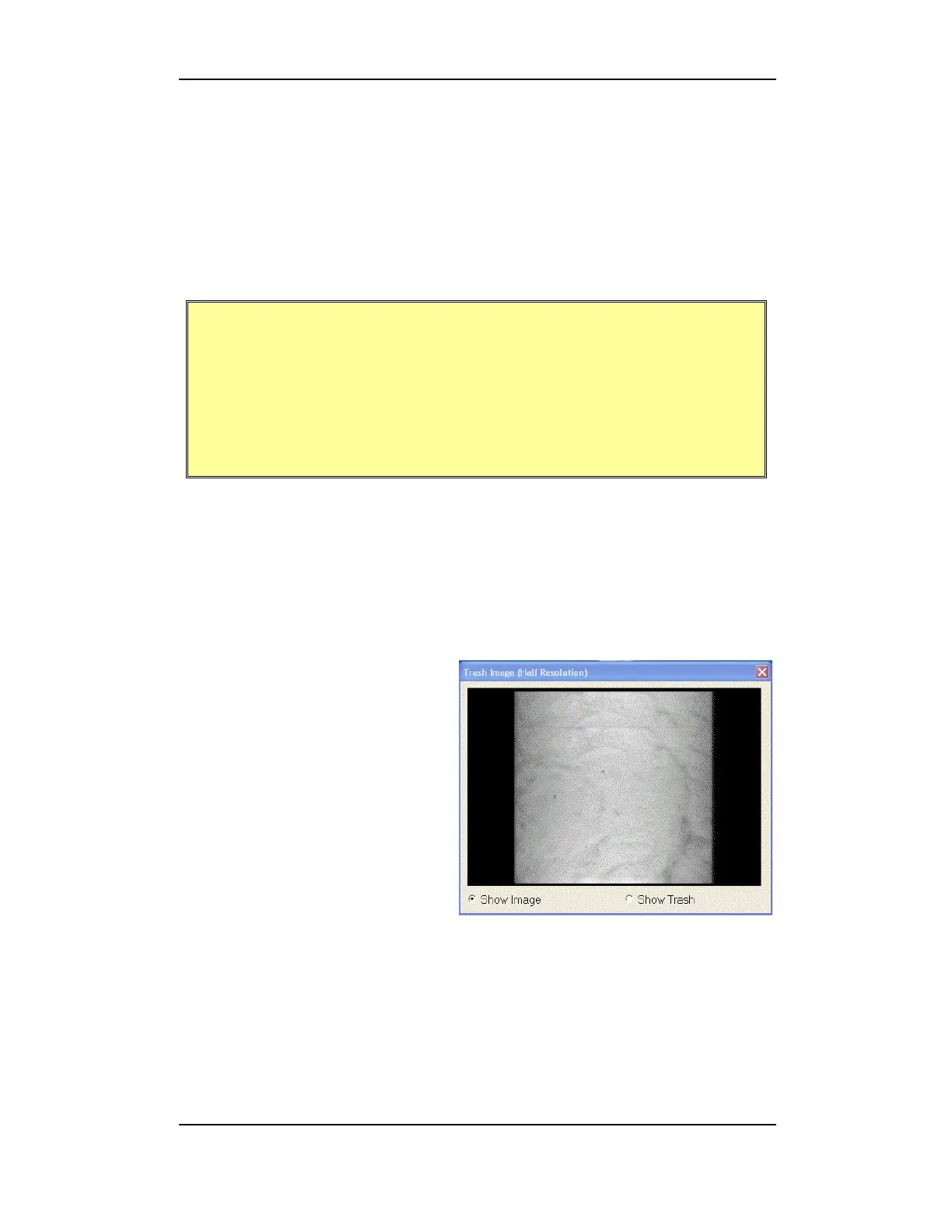
5.2.3.1 Preview Image
The image preview box
launches automatically when
Color/Trash Calibration is
selected. You can select to
display the image as is, or to
show the trash.
Figure 5-20: Preview Image


 To Next Page