42 PT-55 User’s Guide
Supervisor Settings Screen D291308.7M.fm
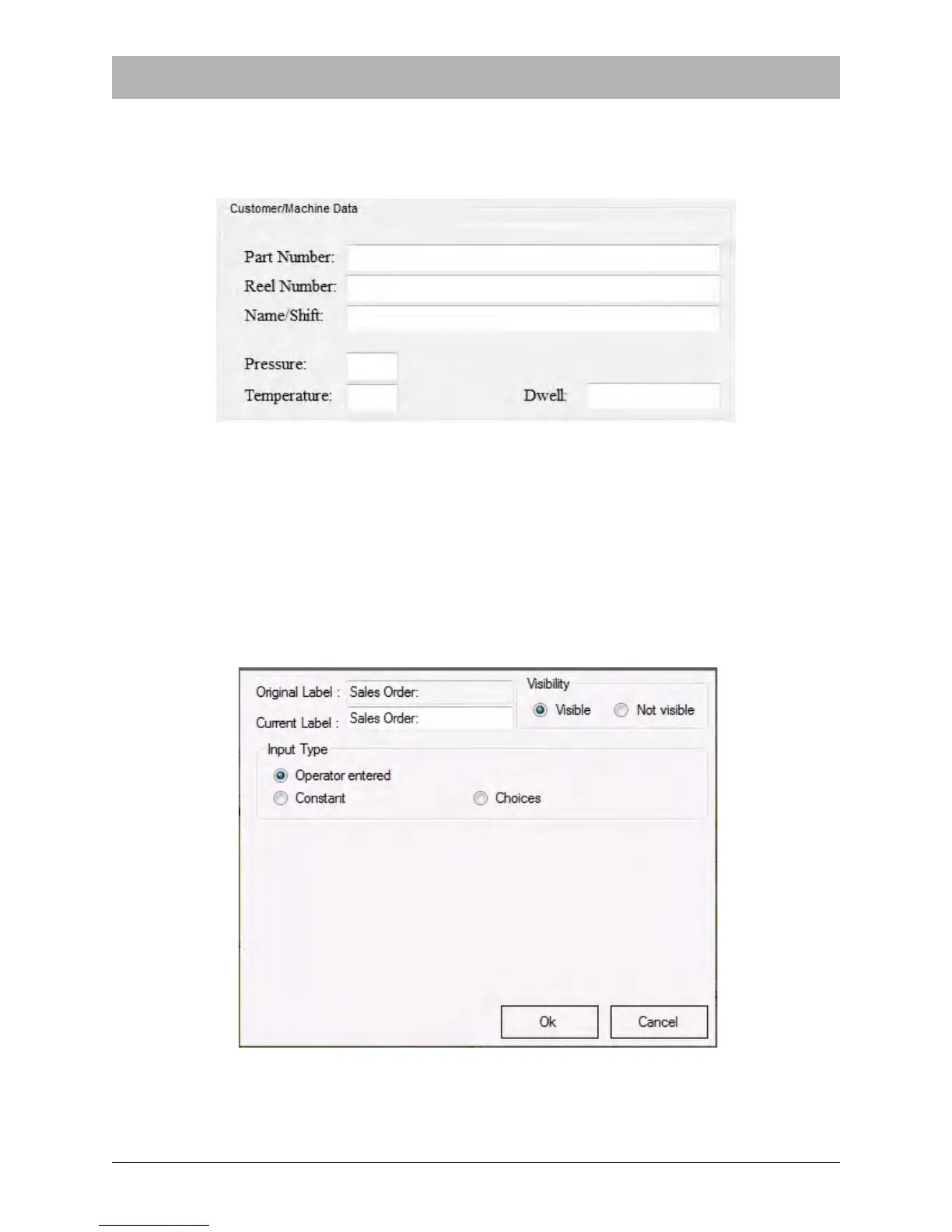
Note: When Not Visible is chosen, all other Change Data fields disappear. Selecting Visible
will once again reveal the Label and Input Type fields in the Change Data screen.
When Not Visible is selected, the field no longer appears in the Main Screen.
In the example above, the Sales Order field which used to appear above the Part Number field is
no longer visible.
Editing Field Input Choices
There are three types of Input Choices available for most of the fields in the Main Screen. Select
the check box next to the field you wish to edit to open the Change Data screen. The Sales Order
field has been selected in the example below.



 To Next Page