D291308.7M.fm Supervisor Settings Screen
Chapter 3: Operation 43
Operator Input Type
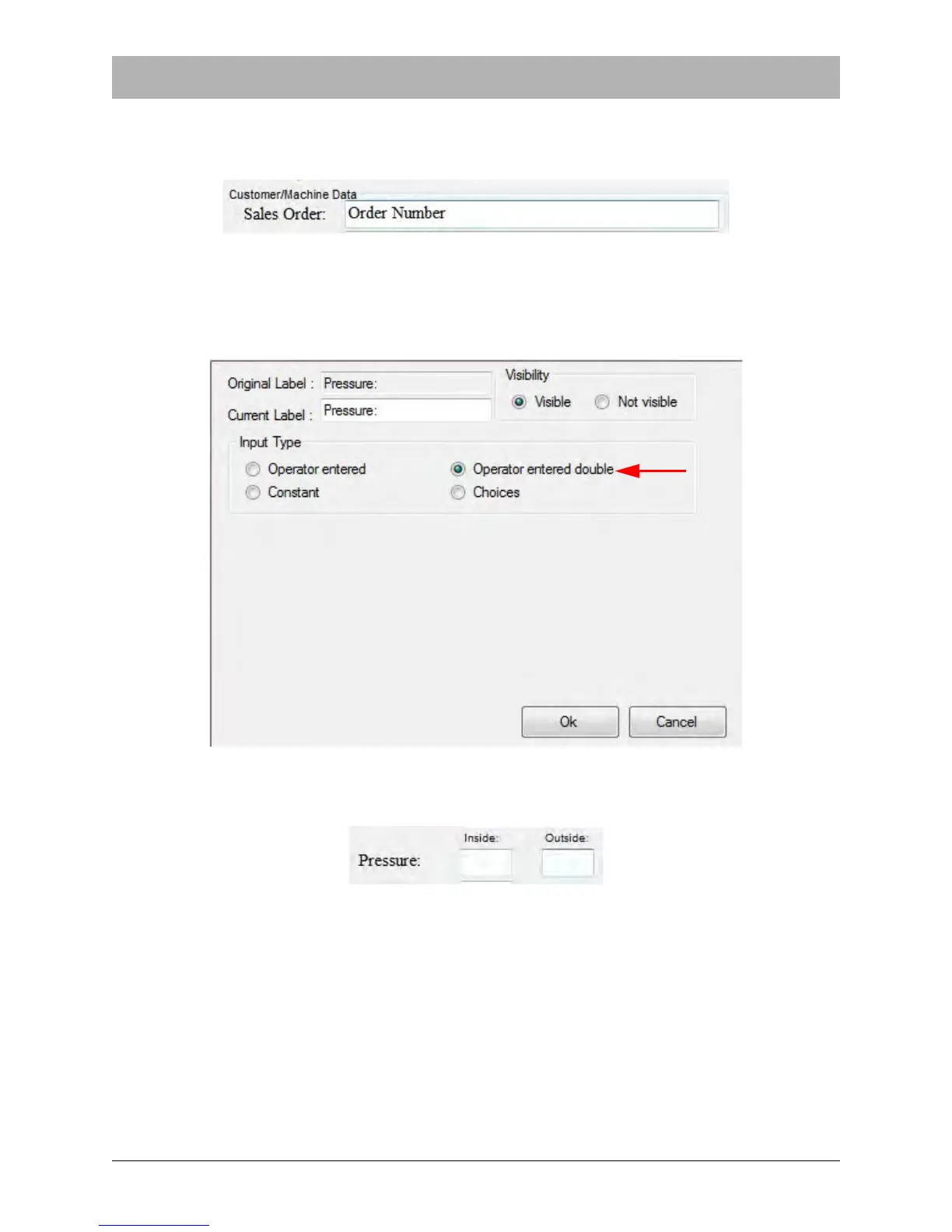
When Operator entered is selected, a text box appears next to the field in the Main Screen. This
allows the operator to type in the desired information.
When the Pressure or Temperature fields are selected, an Operator entered double option
appears under Input Type. This creates two text entry fields to allow the operator to track Inside
and Outside Seal data for those two categories of information. The Pressure field label is
selected in the example below.
In the Main Screen, the Pressure Label will now appear with two text entry fields next to it:



 To Next Page