82
Figure 74
60. Repeat step 56 to 59 for each oil type.
61. Press the <SAMPLE> key to start the “sample mode”.
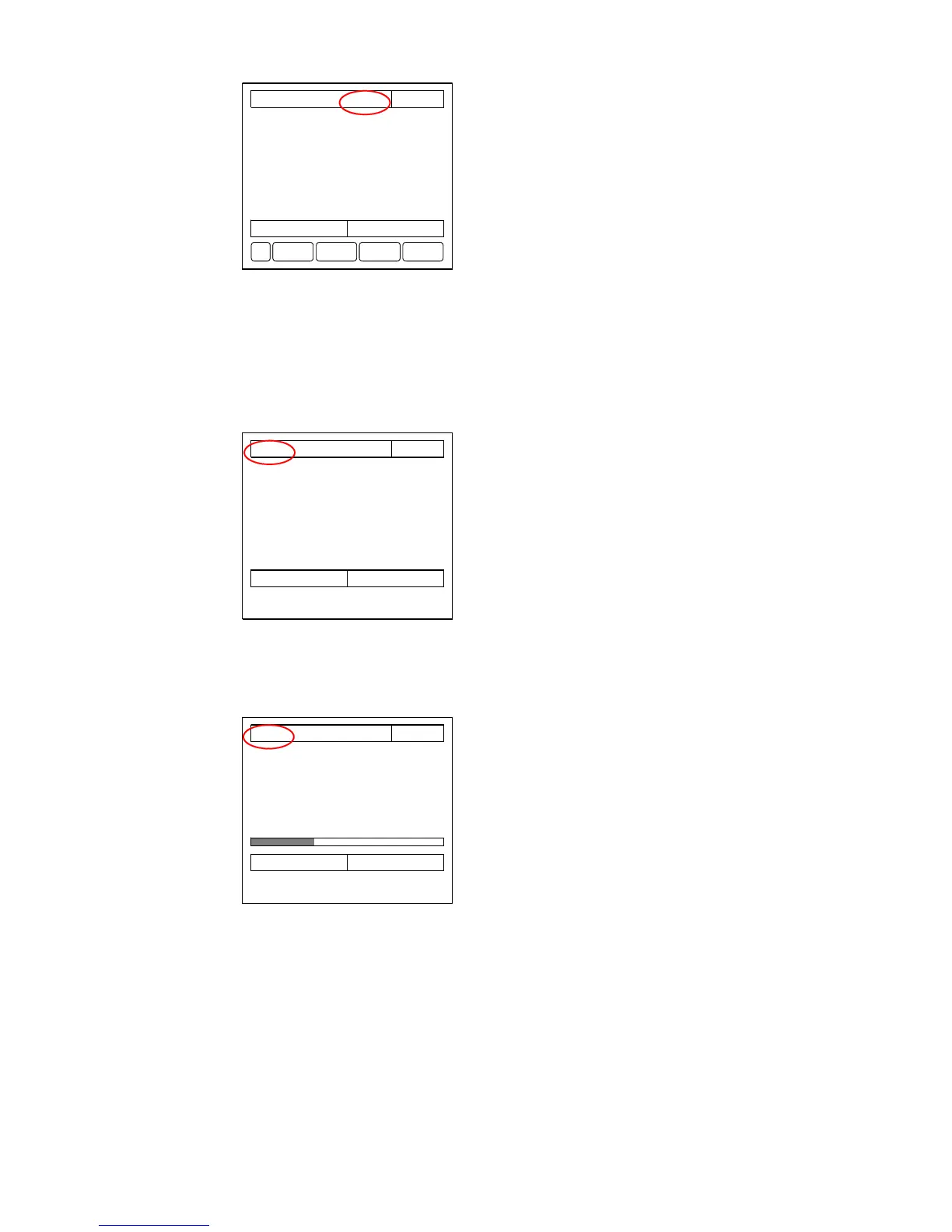
62. Press the <W WASH> key to activate the “windows wash” sequence.
The system initiates a manual windows wash sequence to keep the detector cell in an
optimal condition.
The display will indicate “window wash”.
Figure 75
During the window wash sequence no keys are available on the display. When the sequence has finished, the keys will
reappear.
63. Press the <FLUSH> key to select the “manual flush mode”.
Figure 76
Check that valve V10 opens for approximately 2 minutes.
Check that the concentration [ppm] indication on MCU reads zero.
64. Test the “NO FLOW” alarm by manually shutting the sample inlet valve on the skid
assembly.
Check that the sample pump is stopped after approximately 2 minutes
Re-open sample inlet valve after test.
CONTROL Sample point:
2 22-11-11
sample Oil type: 8 10:38
Concentration A 200 PPM discharge
Flow A 165 m3/h dirty
Skid Flow 0 l/h com: O
Speed A 10.0 kts pos: O
Discharge rate 3.3 l/nm segregated
Total oil 2.1 l com: C
Latitude 5321.756N pos: C
Longitude 00711.854E
EPU: OK
free: 1927296 kB
MORE? FLUSH W WASHSTOP
CONTROL Sample point: 1 22-11-11
window wash Oil type: 5 10:38
Concentration A 200 PPM discharge
Flow A 165 m3/h dirty
Skid Flow 0 l/h com: O
Speed A 10.0 kts pos: O
Discharge rate 3.3 l/nm segregated
Total oil 2.1 l com: C
Latitude 5321.756N pos: C
Longitude 00711.854E
EPU: OK
free: 1927296 kB
CONTROL Sample point: 1 22-11-11
manual flush Oil type: 5 10:38
Concentration A 0 PPM discharge
Flow A 0 m3/h dirty
Skid Flow 0 l/h com: C
Speed A 10.0 kts pos: C
Discharge rate 0 l/nm segregated
Total oil 2.1 l com: C
Latitude 5321.756N pos: C
Longitude 00711.854E
Forward flush
EPU: OK
free: 1927296 kB



 To Next Page