XTi- VBox Android TV Gateway User
Manual 5. Setting up XTi-VBox TV Gateway using the Web Interface
5.5. Step 4- Recordings Setup
15
2. Configure your channels setup as explained in Error! Reference source not found.:
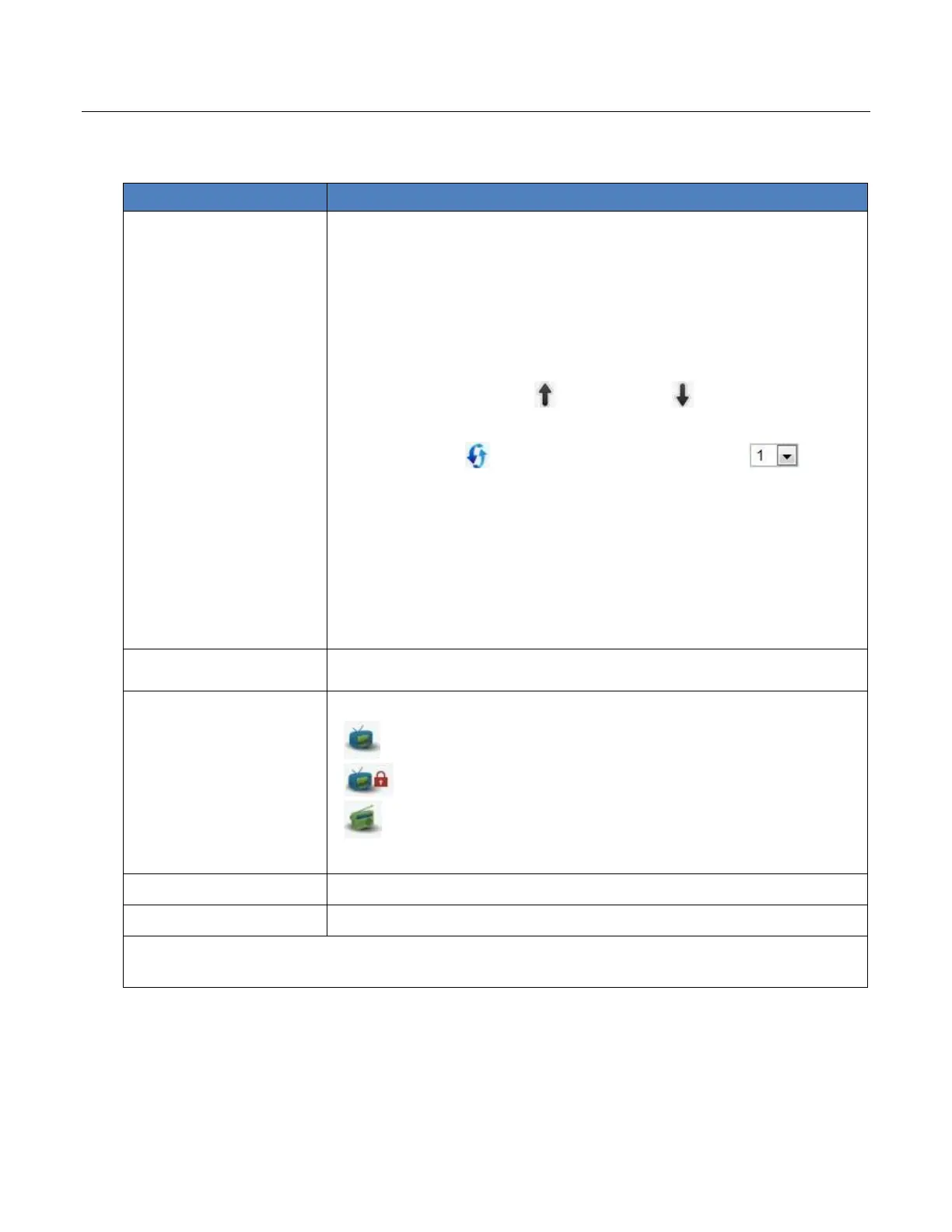
Table 4: Quick Setup Wizard – Step 3: Channels Setup page
Select the channels whose broadcasts you wish to receive:
Manual selection - check the boxes of specific channels.
Multiple selection - select all channels of a specific type (FTA,
encrypted or radio), or all available channels
Once you select a channel, you can customize it as follows:
Order – set the channel’s position on the channels list:
Click the Up arrow or down arrow to move the
channel up or down (respectively), one step at a time
Click the icon to show the channels order list: .
You can now select the channel’s position on the list.
The channel number column (#) is updated according to your order
settings.
Channel – shows the channel name. You can override this
name with your own text.
Language: A-Audio, S-Subtitles – set the Audio language list (A)
and Subtitles language list (S) to your preferred languages
Display only Selected
Channels
Narrows down the Channels list by showing only selected channels.
Check the types of channels you wish to scan:
Free to Air (FTA) Video channels
To scan all types of channels, check Select All.
Discards your settings and restarts the Quick Setup Wizard.
Saves your settings and completes your XTi-VBox TV Gateway setup
NOTE: Since channels list may be very long, the Start Over and Finish buttons appear both above and
below the list, for your convenience.
5.5 Step 4- Recordings Setup
Figure 9: Quick Setup Wizard – Step 4: Recordings Setup page



 To Next Page