XTi-VBox Android TV Gateway User
Manual 10. Network Status
7.7. IPTV Support
49
10 Network Status
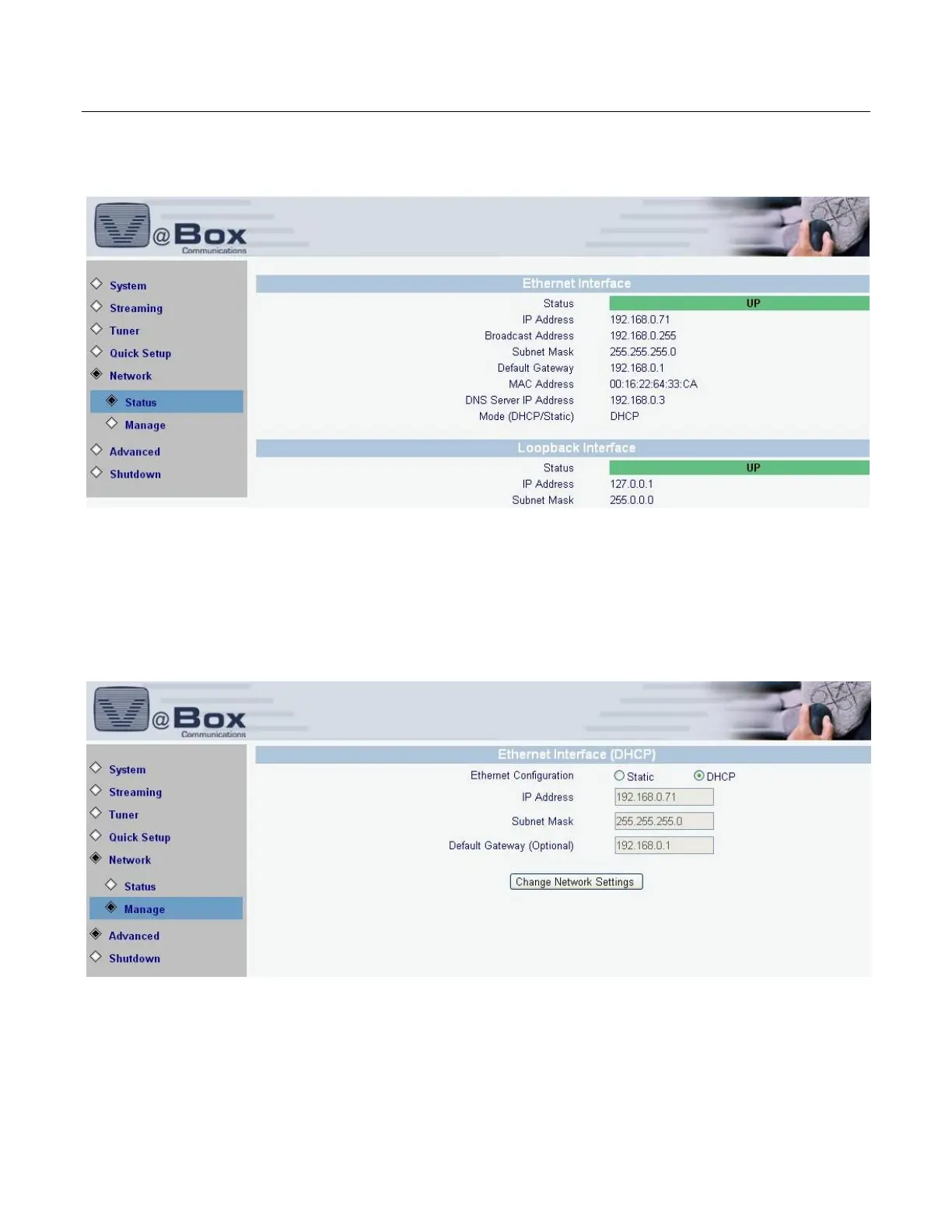
Select Network/Status option. The following screen displays.
Figure 33: Network Status
Network Manage
Select Network/Manage option. The following screen displays.
Figure 34: Network Manage
If your local network administrator instructs you to use DHCP, select the ‘DHCP’ radio button. If
you have been assigned a confeger DHCP or static IP address: select the ‘Static’ or DHCP radio
button and input the IP address, subnet mask and Default Gateway (optional).



 To Next Page