XTi-VBox Android TV Gateway User
Manual 6. System Manage
6.4. WEB Manage Protection
24
6.4 WEB Manage Protection
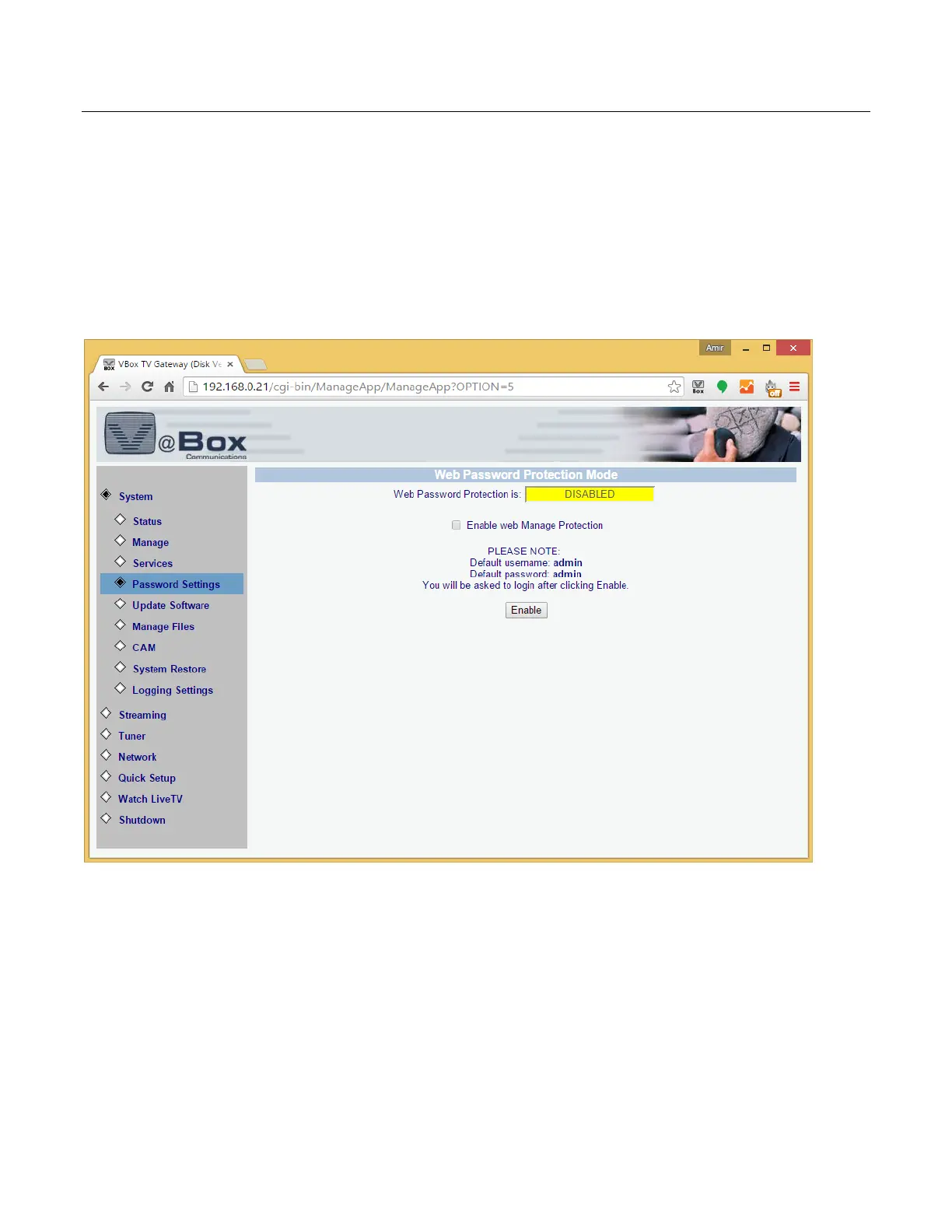
1. Select System Password Settings option. (figure 26) screen displays.
2. Check the Enable the Web Manage Protection checkbox and press Enable
The default user name is: admin
The default password is: admin
It is recommended that you change the system password regularly to prevent security issues.
This feature is available from Home TV Gateway version 2.48 and up.
Figure 16: Change Password – admin



 To Next Page