XTi- VBox Android TV Gateway User
Manual 5. Setting up XTi-VBox TV Gateway using the Web Interface
5.4. Step 2 – Scan for XTi 4144/74 Models
14
During the scan, a progress bar indicates the number and percentage of frequencies that have been
scanned.
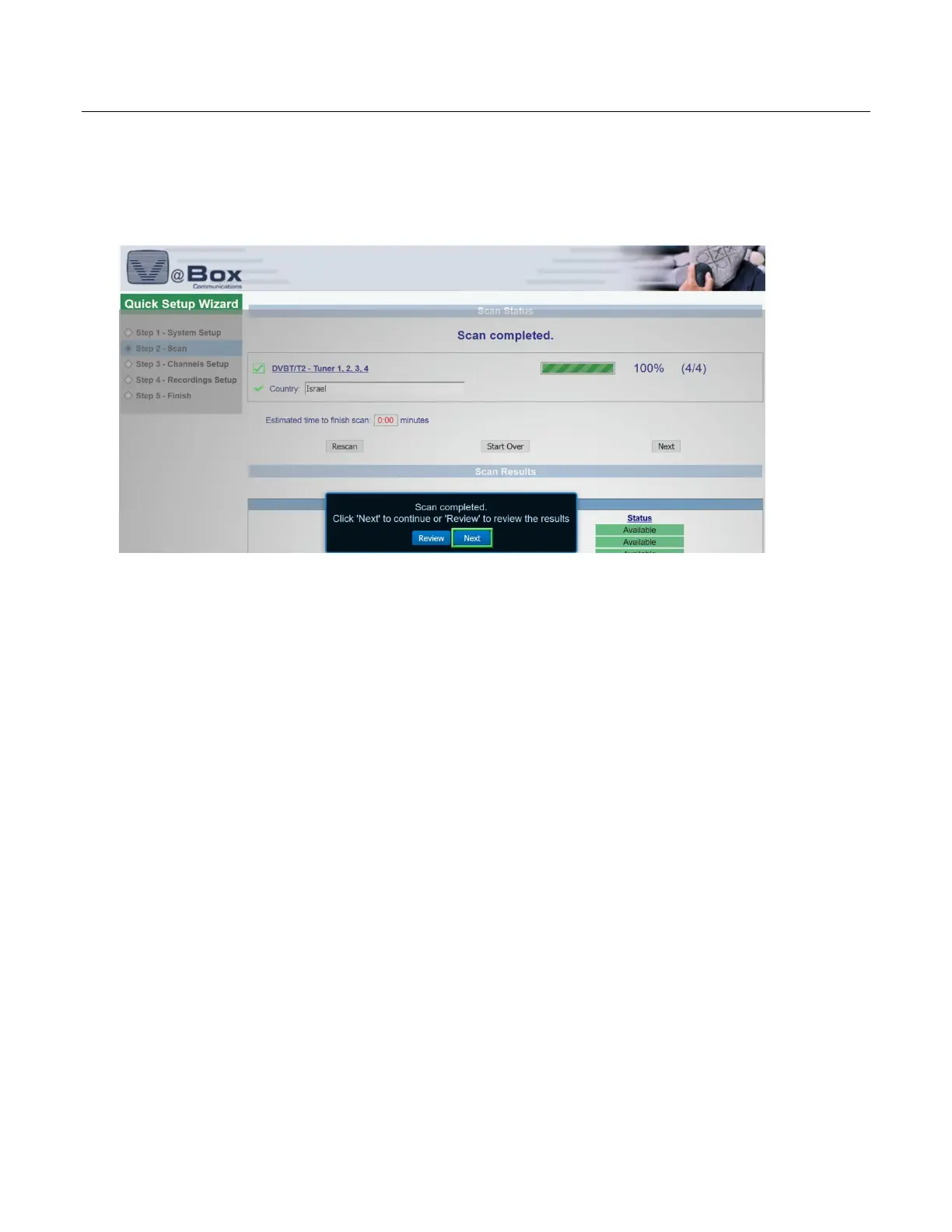
Once the scan is completed, the page is updated to summarize the Scan Status and Scan Results (Figure ).
Figure 8: Quick Setup Wizard – Step 2 –Scan: Scan Status and Results page (XTi-4144/74 models)
The Scan Status informs you how many frequency have been scanned.
The Scan Results specifies which of the scanned frequency are available.
2. Choose one of the following:
To repeat the scan (for example, if you wish to choose different frequencies), click Rescan.
To complete your Scan setup, click Next.
These settings complete Step 2-Scan and you can proceed to Step 3 – Channels Setup
Step 3 – Channels Setup allows you to select the channels whose broadcasts you wish to receive (Error!
Reference source not found.).
Figure 8: Quick Setup Wizard – Step 3: Channels Setup page



 To Next Page