XTi-VBox Android TV Gateway User
Manual 6. System Manage
6.7. Update Software
30
6.7 Update Software
6.7.1 Update over the Internet
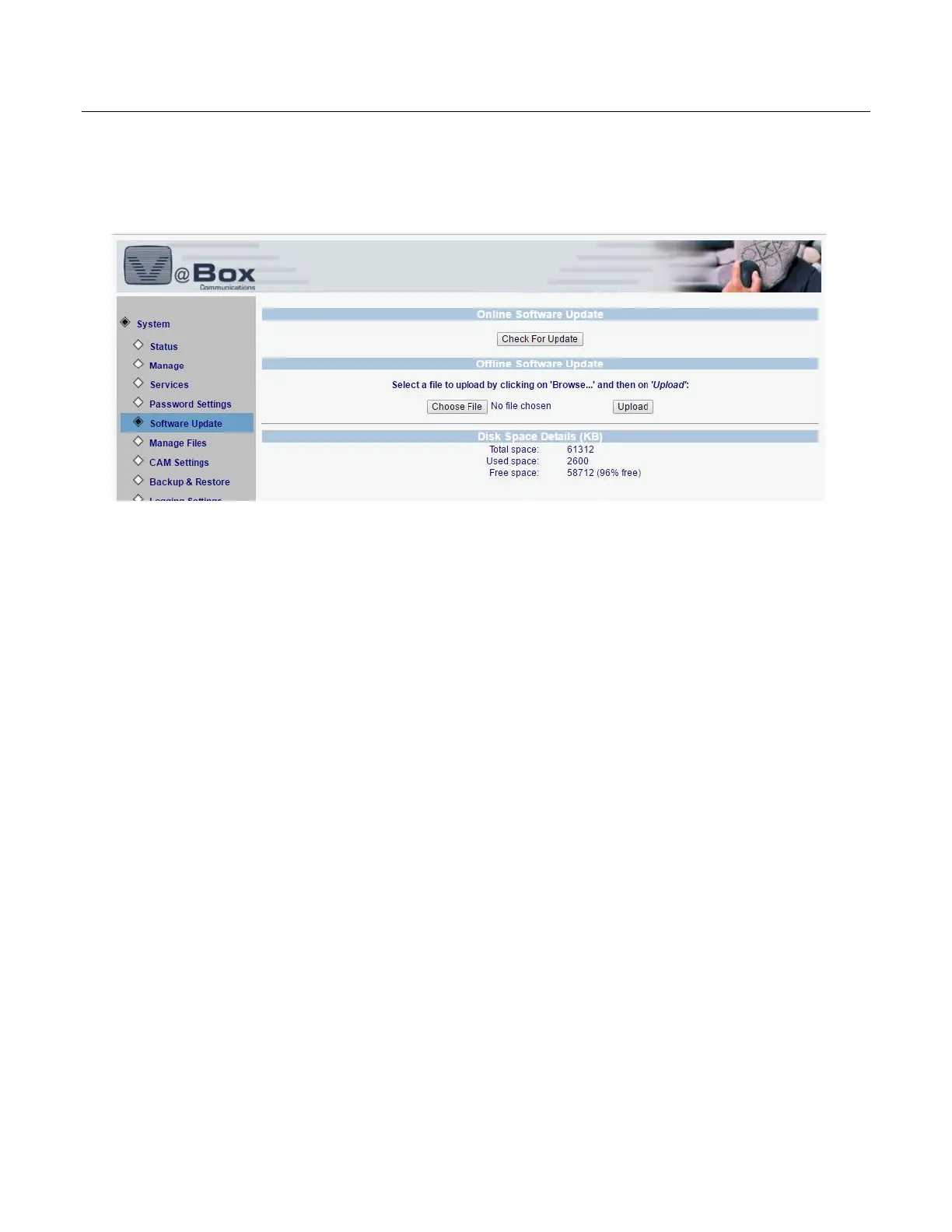
Figure 18: Software Update
To update the VBox software over the internet – press the Check For Update button
A rotating cycle will appear while the VBox checks if there is a newer version – this proccess should
take up to 1 min depending on your internet connection.
Please note that if you are behind a firewall or a proxy server you may not be able to update your
VBox over the internet – please contact the VBox support to receive the latest software version



 To Next Page