XTi-VBox Android TV Gateway User
Manual 13. Recording
13.5. Watch a recorded program
67
13.5 Watch a recorded program
1. You can watch recorded programs from any supported connected device using a 3
rd
party application or
VBox@TV free application
2. To access recorded program from 3
rd
party application access the VBox box and go to the media folder
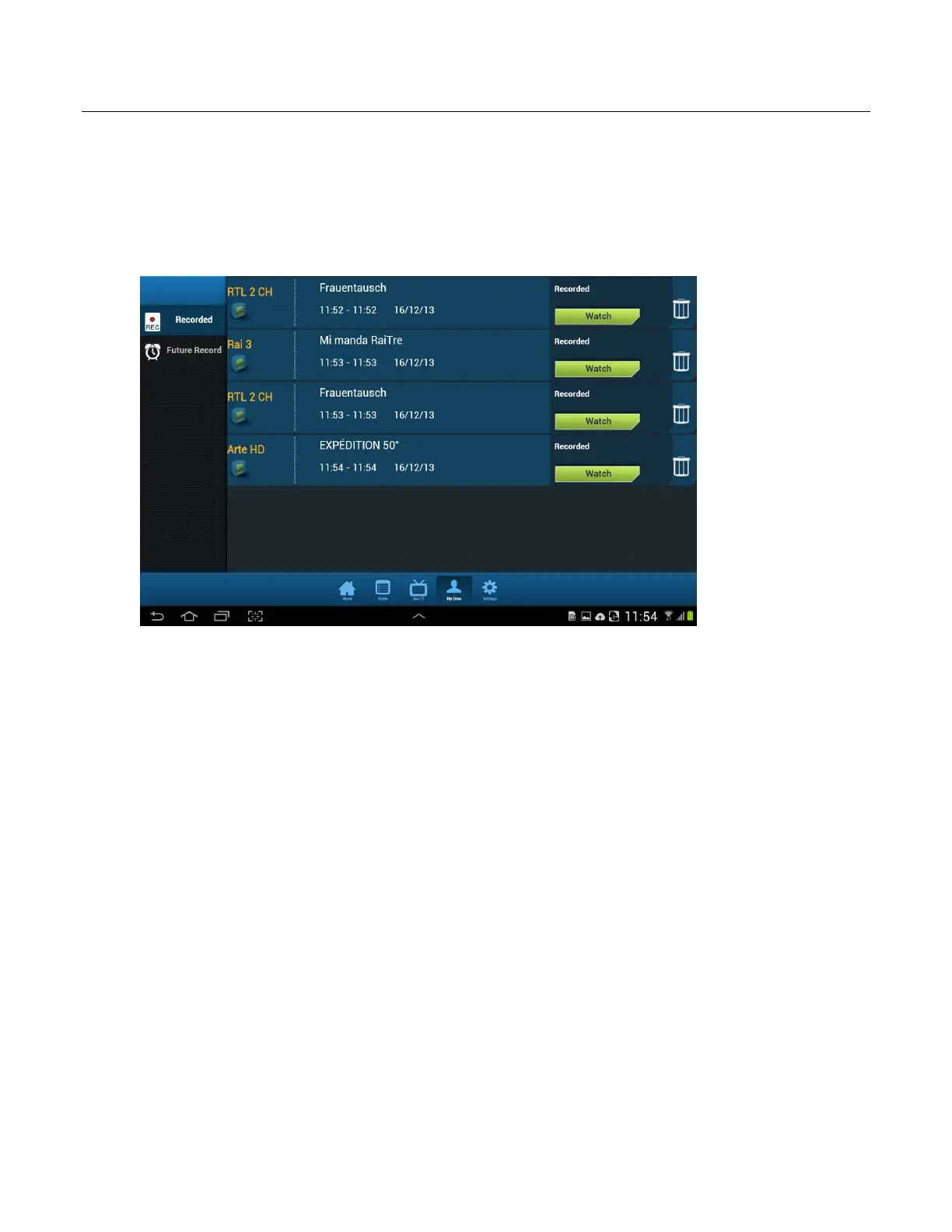
3. To access, manage and view recorded programs from the free VBox@TV app go to “My Zone”
4. In the My Zone area you can:
a. Press the watch button to play the TV program
b. Press the Trash icon to delete the TV program permanently
c. View list of scheduled future recordings



 To Next Page