XTi-VBox Android TV Gateway User
Manual 13. Recording
13.2. Setting-up XTi TV Gateway Storage Preferences
58
13.2.2 Setting up network storage
There are two ways to create a Recording Path, using the Wizard or setting it manually.
Below explains how to do it using the Wizard, if you would like to set it manually please refer to our
guide on How to set a Recording Path manually (chapter 14/section 14.5).
1. Choose “Network”
2. You can use secure HTTPS or HTTP (If you are using HTTP continue to 5)
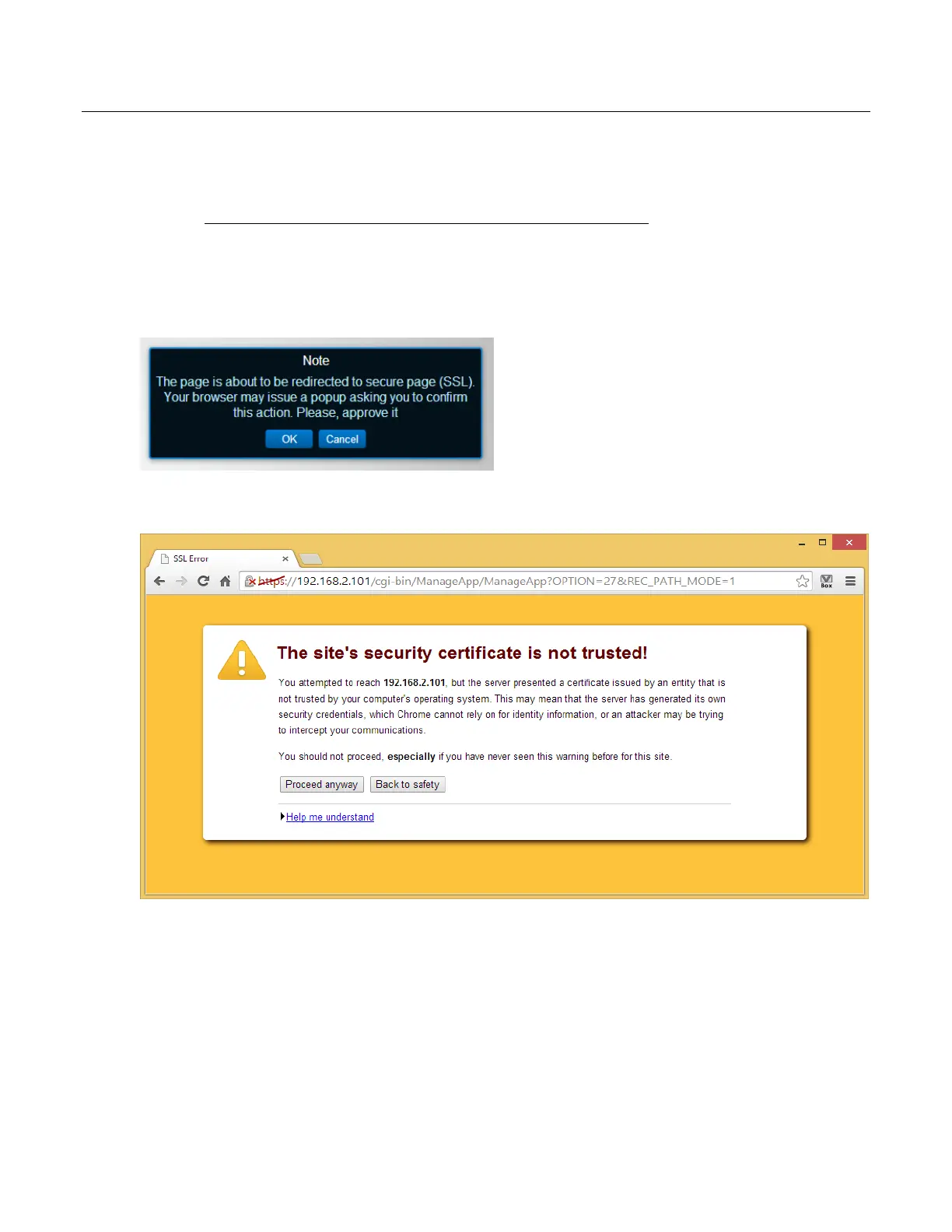
3. Read and accept the note
4. Press “Proceed anyway” on the site’s security certificate warning



 To Next Page