XTi- VBox Android TV Gateway User
Manual 5. Setting up XTi-VBox TV Gateway using the Web Interface
5.9. Step 5- Finish
20
5.9 Step 5- Finish
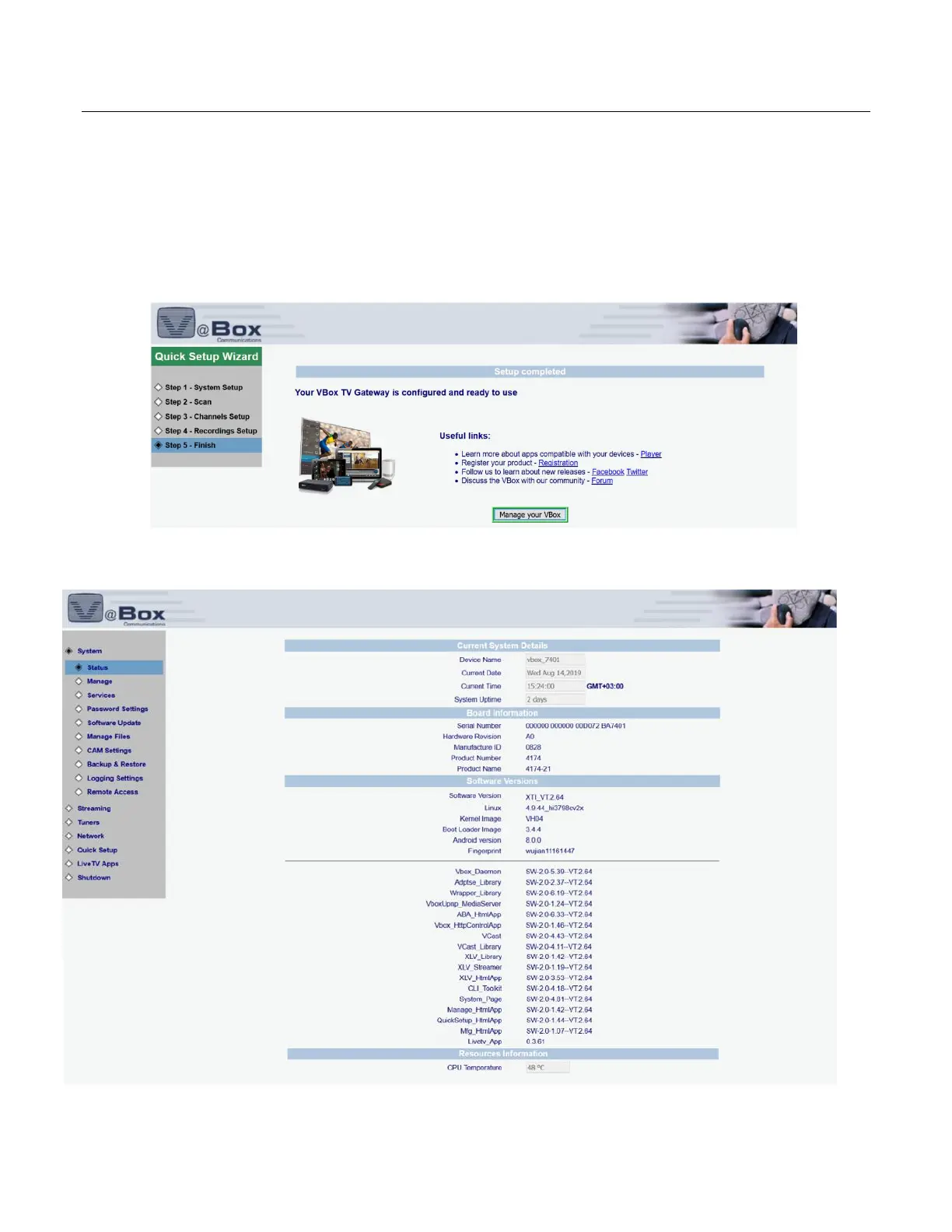
The Wizard displays the System Status page, summarizing your XTi-VBox TV Gateway setup. Figure 11
NOTE: You can return to the Quick Start Wizard by clicking Quick Setup.
Your XTi-VBox TV Gateway device is now setup, and you can start viewing and listening to content that is
presented according to your preferences.
Figure 10: Quick Setup Wizard – Step 5: Finish
Figure 11: XTi-VBox TV Gateway Interface – Example System Status page



 To Next Page