XTi-VBox Android TV Gateway User
Manual 14. Frequently Asked Questions/Troubleshooting
14.5. How to set a Recording Path manually
83
14.5 How to set a Recording Path manually
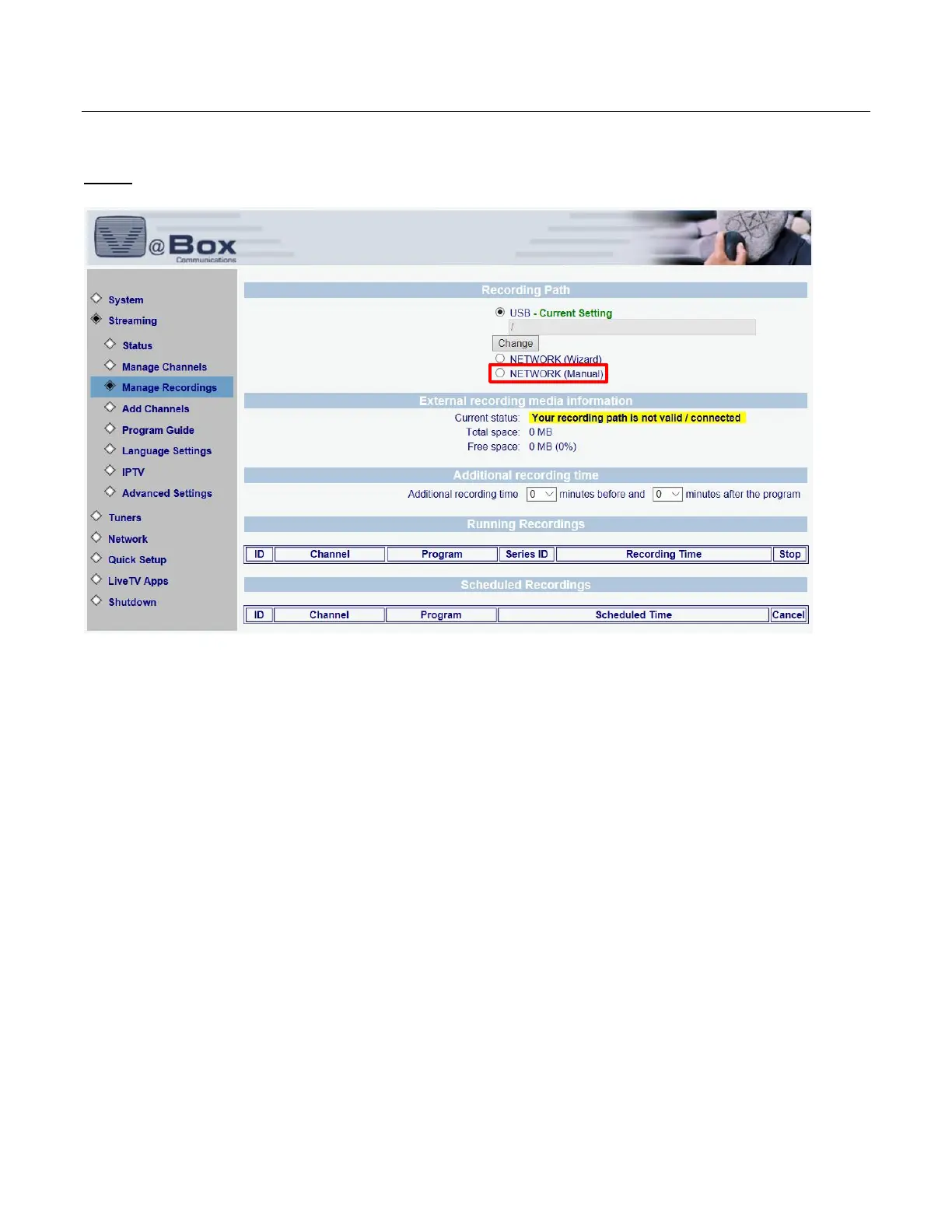
Step 1: Open the VBox Setup menu, go to Streaming and then to Manage Recordings.
Under Recording Path select Network (Manual)



 To Next Page