XTi-VBox Android TV Gateway User
Manual 7. Streaming option
7.4. Add Channels
44
7.4 Add Channels
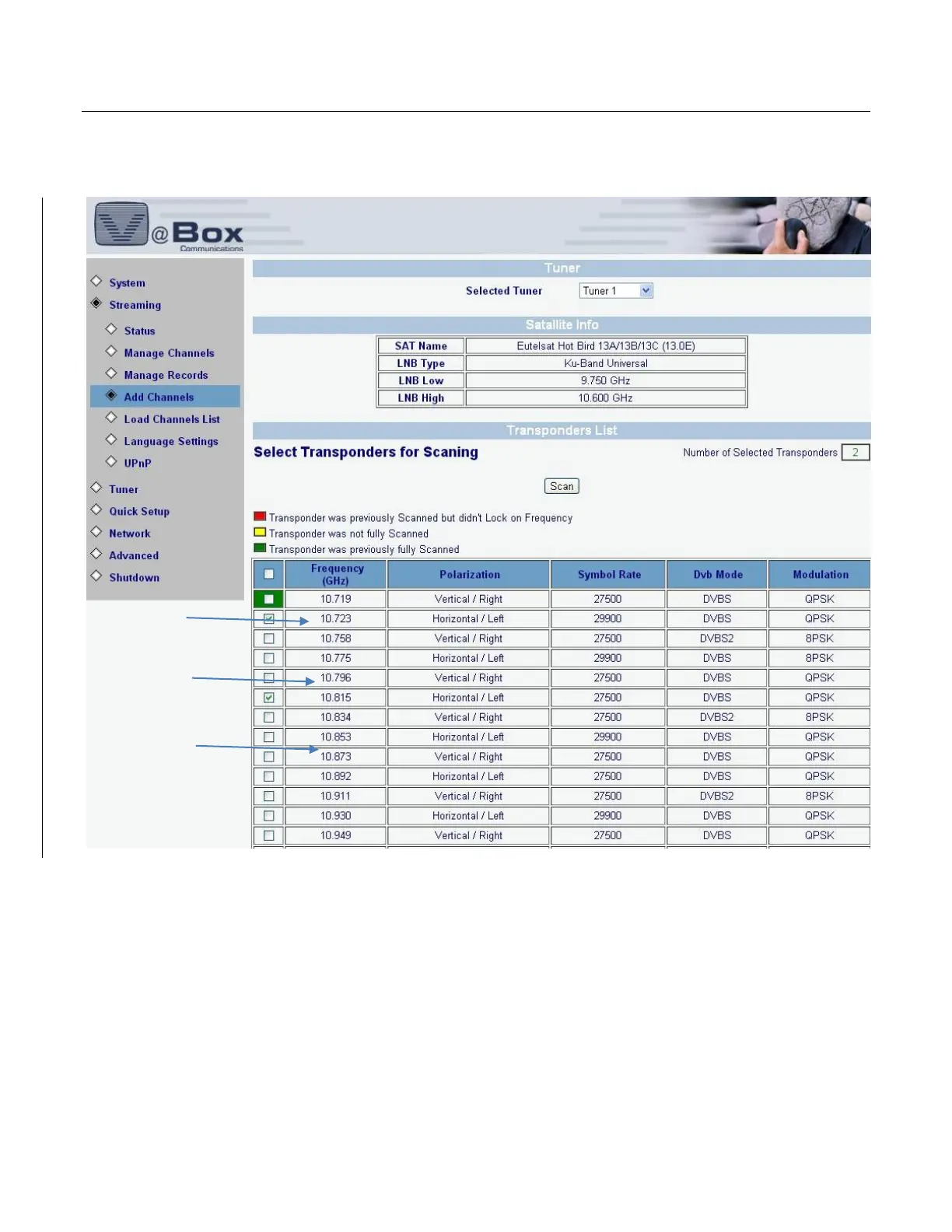
Select Streaming/Add Channels option. The following screen displays.
Figure 28: Add Channels
Select tuner from the drop-down list. Check the boxes of the transponders to be used to scan this satellite.
To select all transponders on the list, check the top box.
To add your own transponder to the list, enter its definitions into the bottom row.
7.5 Language Settings.
Select Streaming/Language Settings option. The Figure 11 screen displays.
Configure your language settings as explained in Error! Reference source not found.



 To Next Page