XTi-VBox Android TV Gateway User
Manual 14. Frequently Asked Questions/Troubleshooting
14.1. How to switch between DVB-T and DVB-C Configuration.
68
14 Frequently Asked Questions/Troubleshooting
14.1 How to switch between DVB-T and DVB-C Configuration.
5. Access the XTi device using “My Network Places”:
Windows XP – go to My Network Places, display the network devices list and click VBox TV
Gateway (vbox_xxxx).
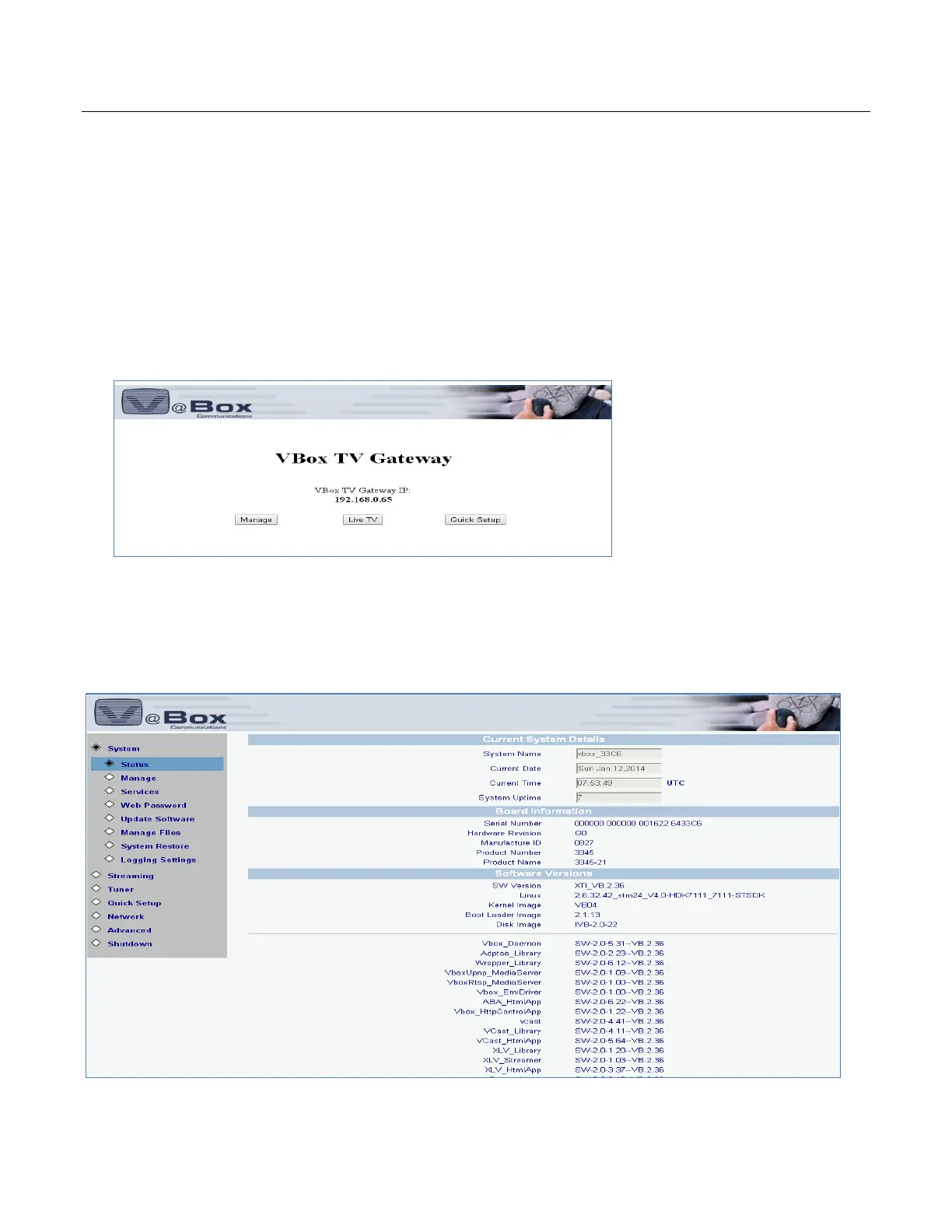
6. The XTi-VBox TV Gateway Web interface is displayed, showing its Welcome page
7. Choose the Manage option. The Status option screen is displayed showing System, Device and
Software Information.



 To Next Page