XTi-VBox Android TV Gateway User
Manual 14. Frequently Asked Questions/Troubleshooting
14.1. How to switch between DVB-T and DVB-C Configuration.
69
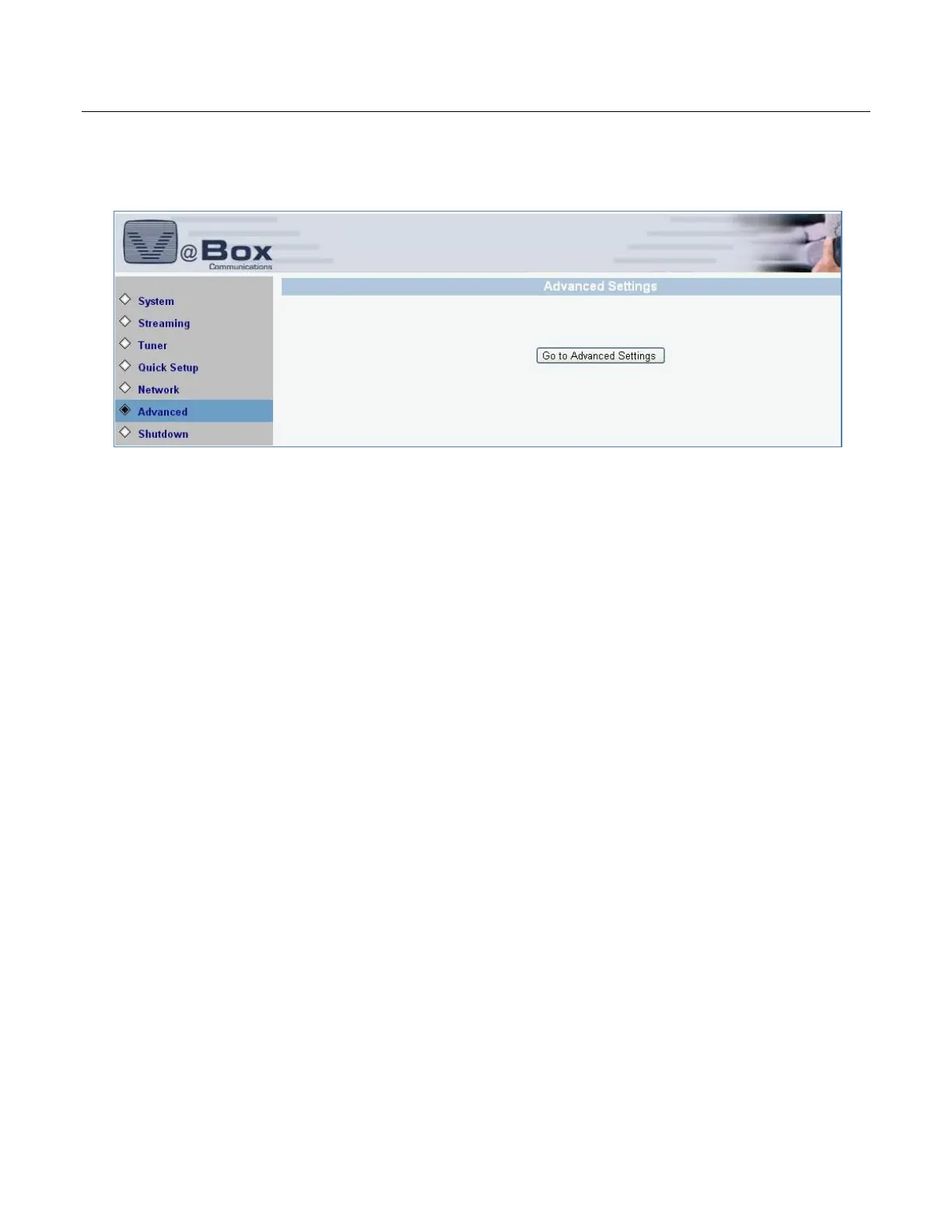
8. Select Advanced option. The Advanced Settings page is displayed.
9. Click Advanced Settings button. When prompted for the login and password, input “webadmin” for
both. The following screen displays.



 To Next Page