XTi-VBox Android TV Gateway User
Manual 11. Shutting Down and Restarting the System
7.7. IPTV Support
50
11 Shutting Down and Restarting the System
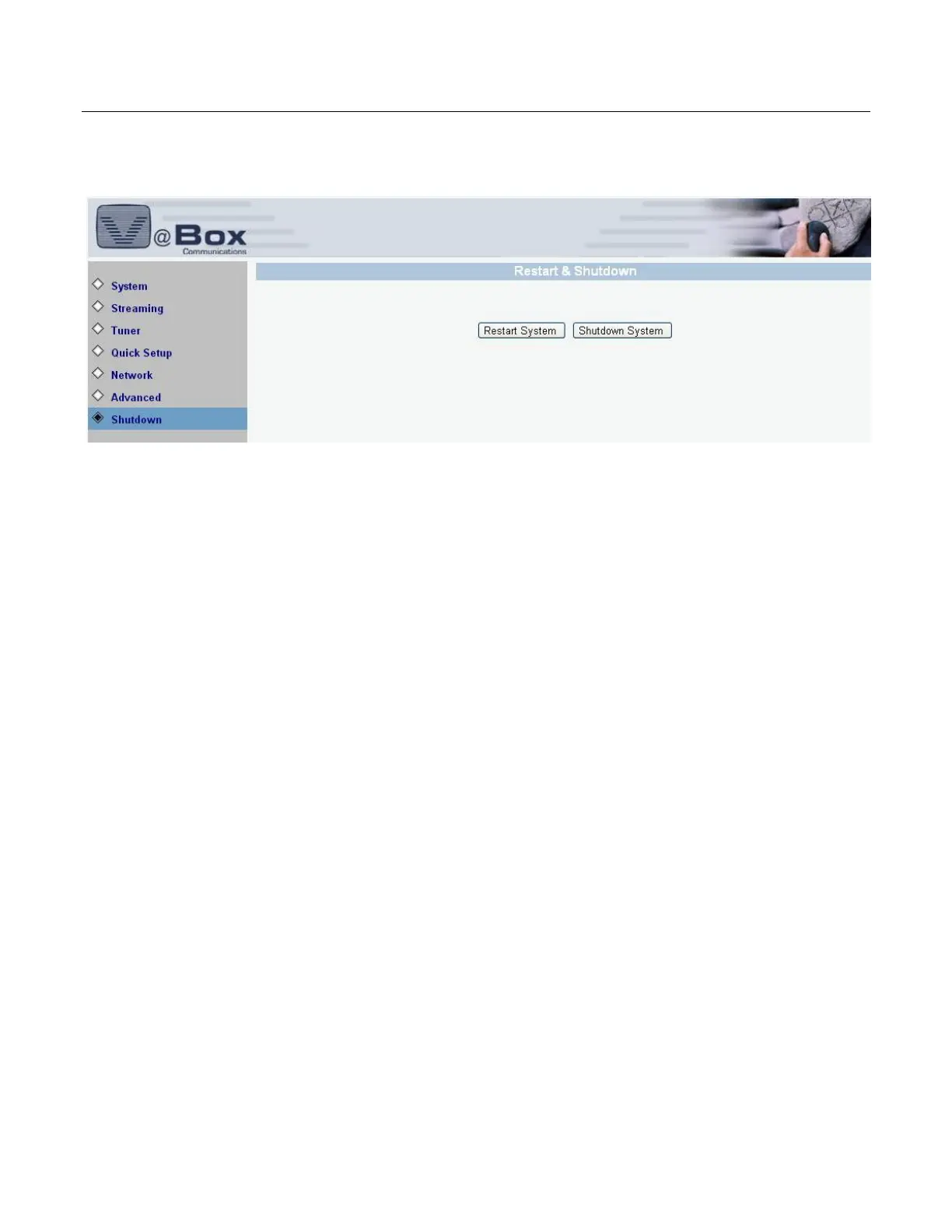
To shut down or restart the system, select the SYSTEM/SHUTDOWN. The following screen displays.
Figure 35: System Restart and Shutdown
Click the RESTART SYSTEM button. The system shuts down and restarts.



 To Next Page