XTi-VBox Android TV Gateway User
Manual 6. System Manage
6.7. Update Software
31
6.7.2 Update from a file
1. Ensure the new software file (extension .vbx) is accessible on a USB Flash Drive or on your local
computer.
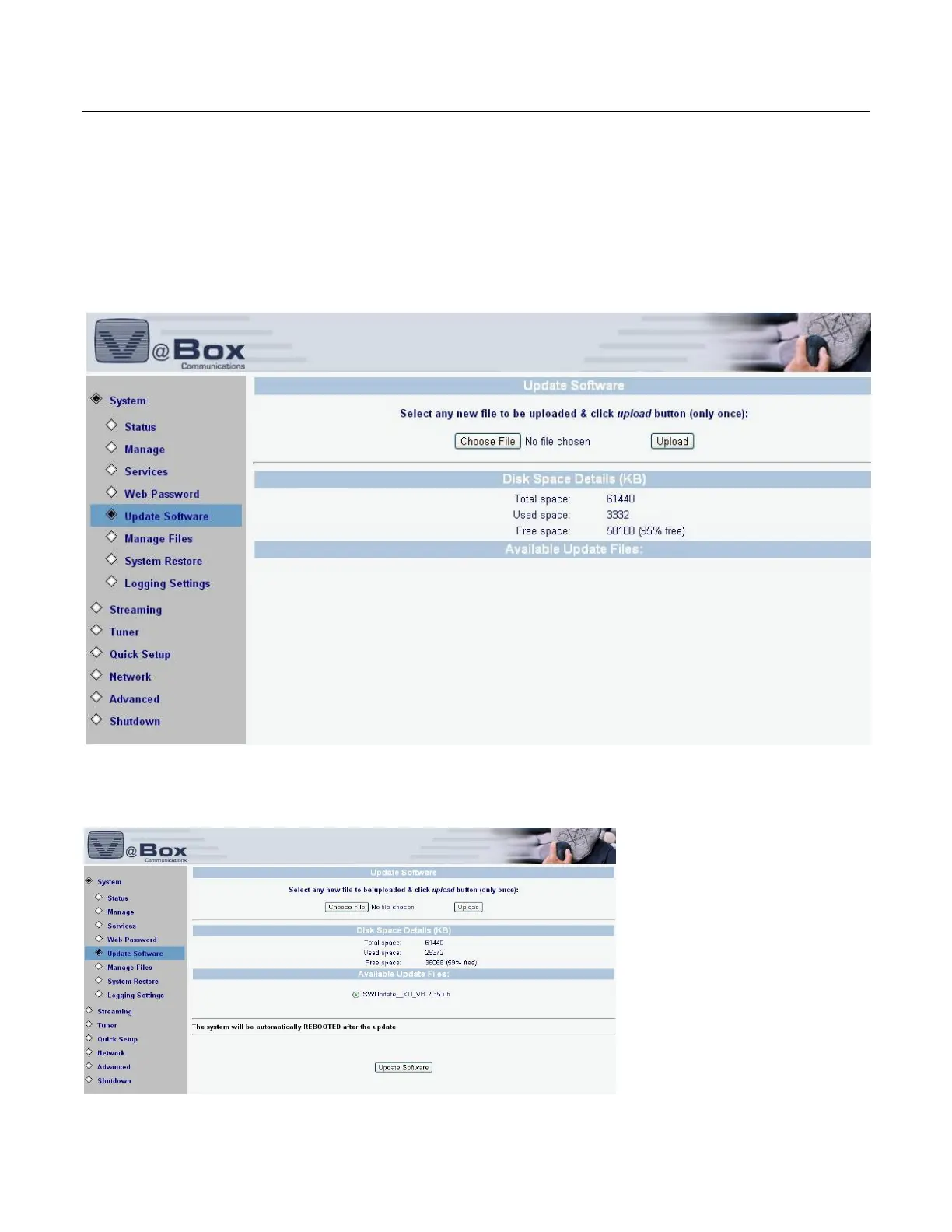
2. Select the SYSTEM/UPDATE SOFTWARE option. The following screen displays
Figure 19: Update Software
3. To upload a new file from your computer to the XTI, click the Choose File button to search for the file
on your computer, and click the UPLOAD button.The following screen displays.
Figure 20: Update Software File



 To Next Page