XTi-VBox Android TV Gateway User
Manual 6. System Manage
6.4. WEB Manage Protection
25
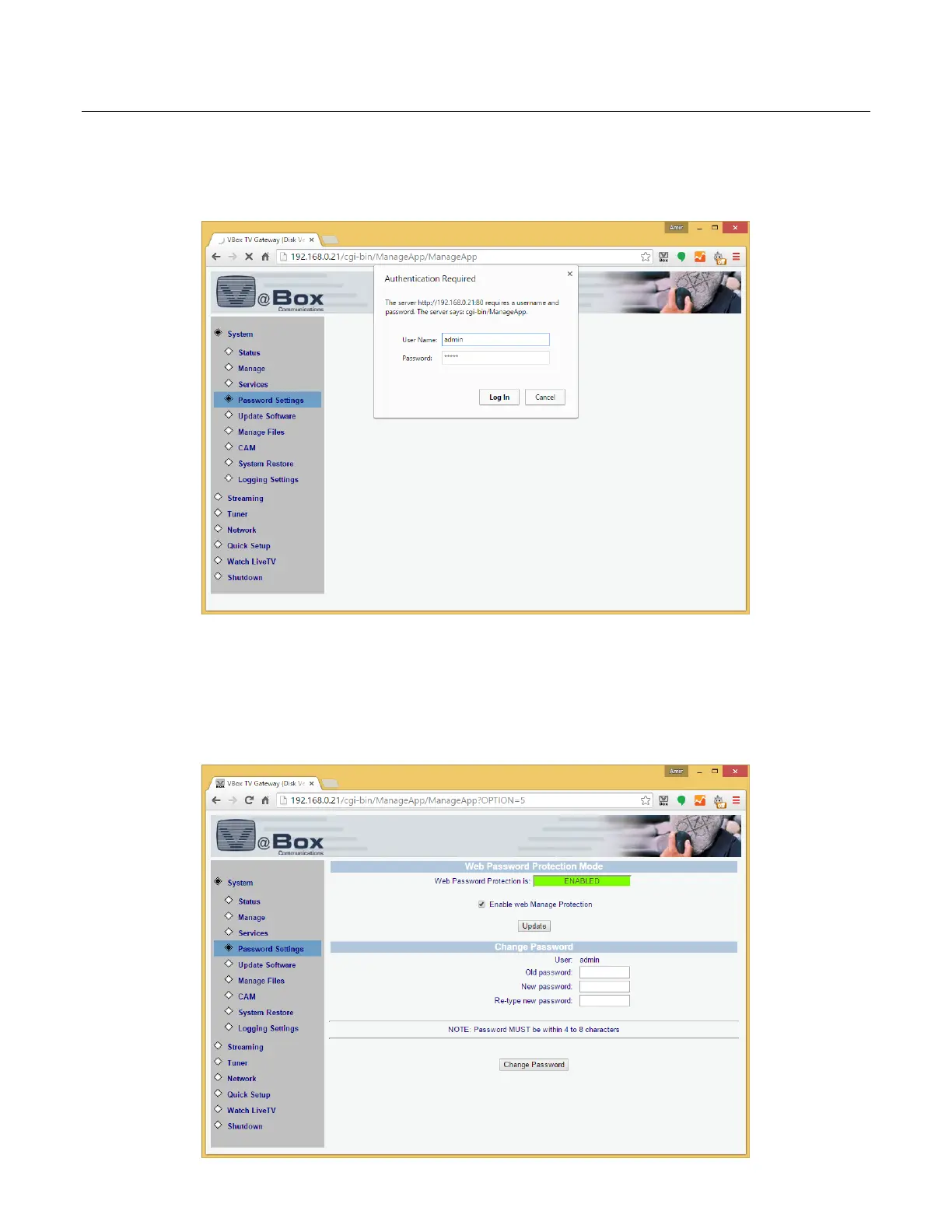
3. Your TV Gateway is now locked using the default user name and password
4. Enter the default user name and password and press log in
5. Change the default password to protect your TV Gateway
6. To disable the password protection, simply uncheck the Enable Web Manage Protection checkbox and press
Update



 To Next Page