NETWORK SETTINGS
5.1 f/ IPV6 ADDRESS DISTRIbUTION
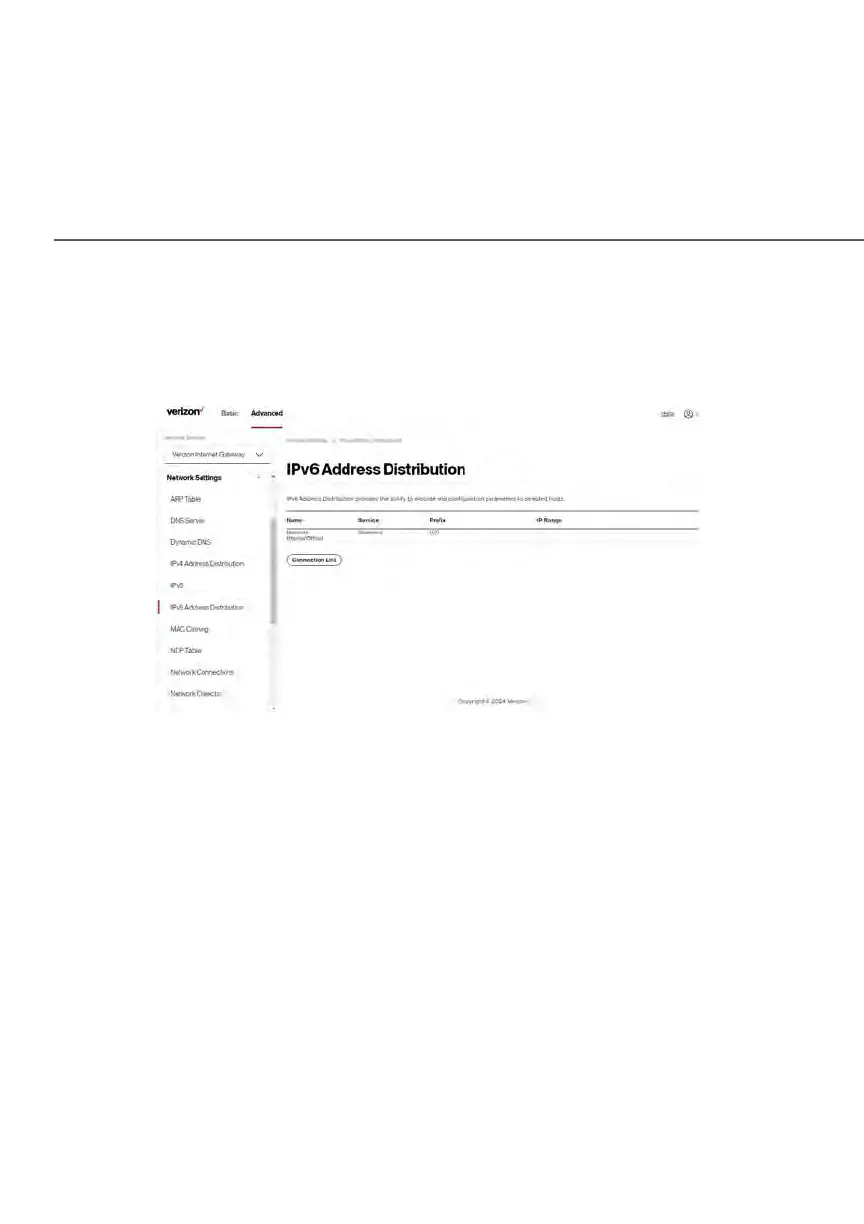
To view a summary of the services provided by the DHCP server:
1. Select IPv6 Address Distribution in the Network Settings section.
2. You can edit the DHCP server settings for a device. On the IPv6
Address Distribution page, click the Edit icon on the screen column. The
DHCP Settings page opens with the device information displayed.
3. To configure the DHCP server complete the following fields:
• Start IPv6 Address – the starting IPv6 address in the consecutive
list of addresses that makes up this LAN pool for the DHCPv6
server.
• End IPv6 Address – the ending IPv6 address in the consecutive list
of addresses that makes up this LAN pool for the DHCPv6 server.















 To Next Page