NETWORK SETTINGS
3. From the connection’s Enable Settings page, to enable or disable the
connection, move the selector to on or off.
4. To rename the connection, enter a name in the Name field.
5. Click Apply to save the changes.
6. Reboot your Gateway.
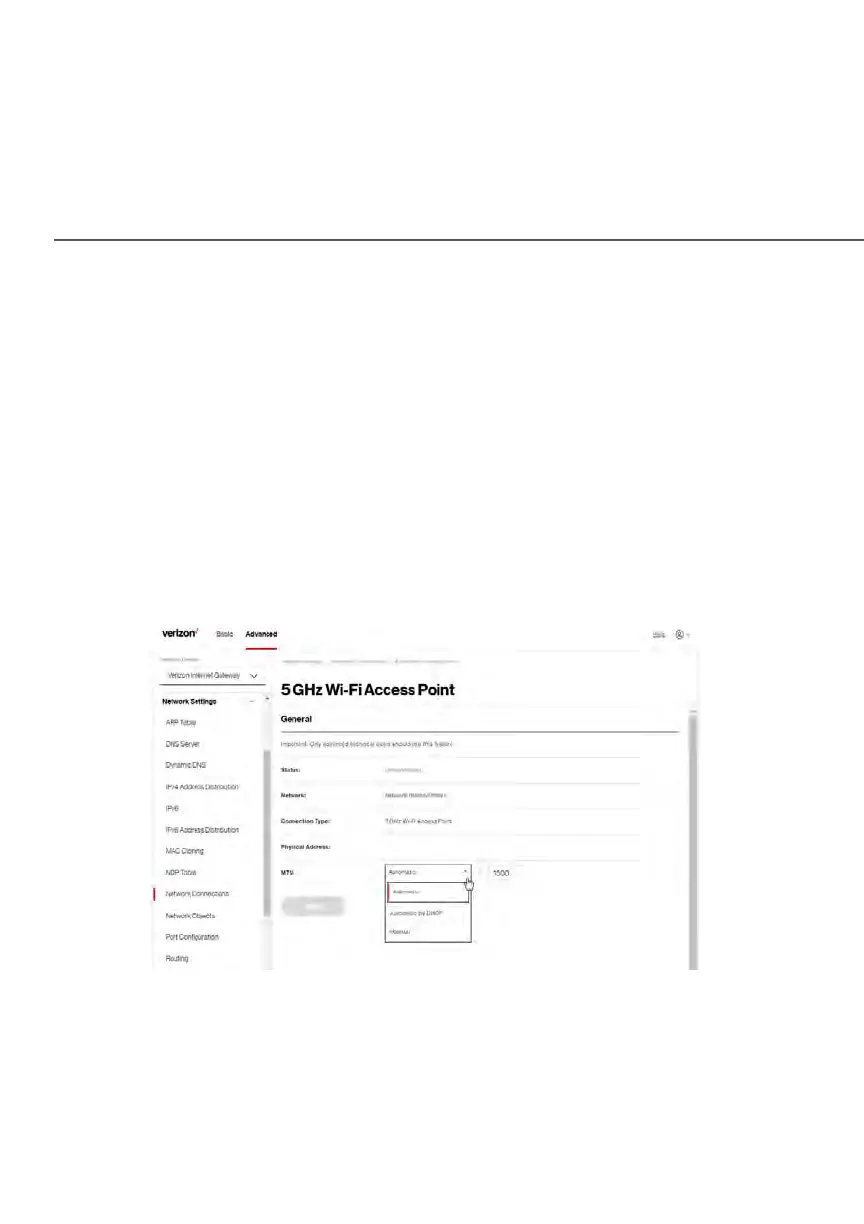
CONFIGURING Wi-Fi ACCESS POINT PROPERTIES
To configure the connection:
1. On the bottom of the Access Point’s specific Enable Settings page, click
Settings. The configuration page displays.















 To Next Page