05 / CONFIGURING
ADVANCED SETTINGS
111
http://setup.verizon.com/businessinternetgateway |
©2024 Verizon. All Rights Reserved
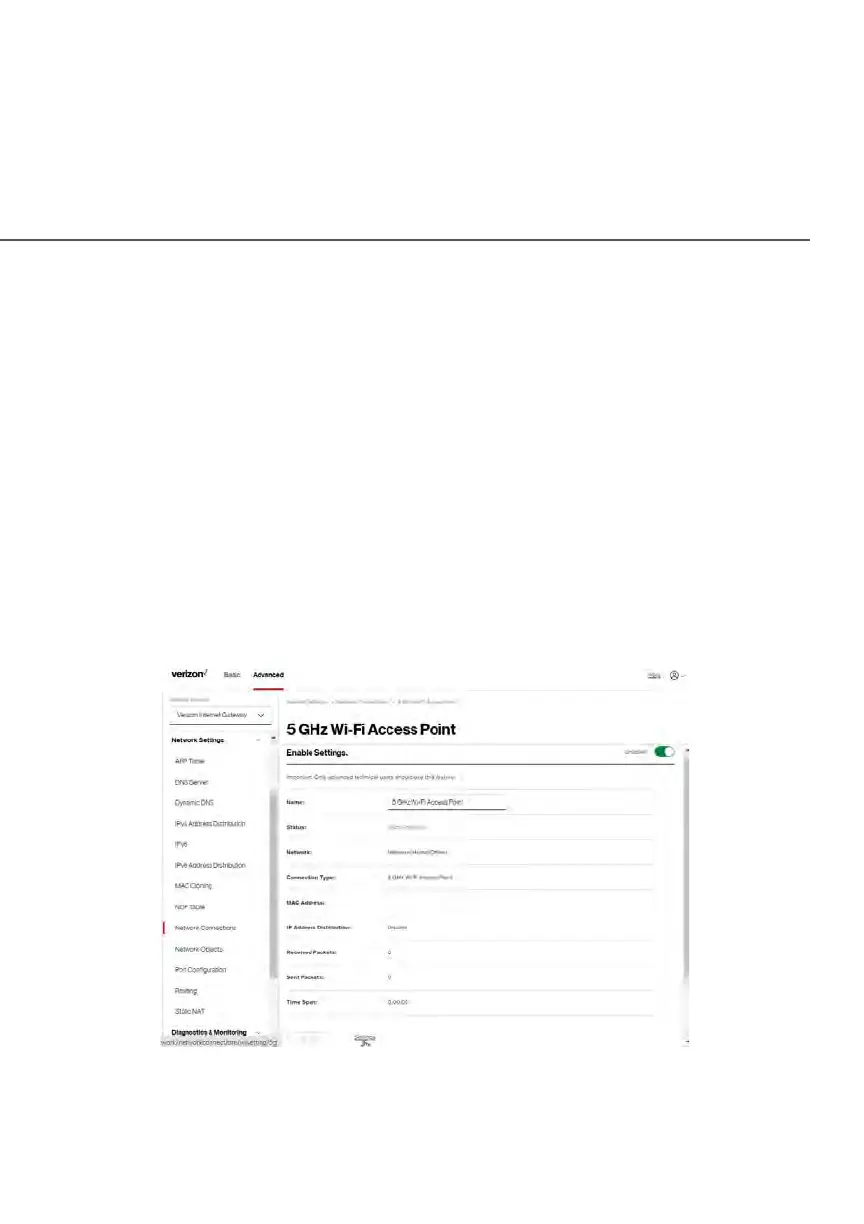
Wi-Fi ACCESS POINT CONNECTION
A Wi-Fi Access Point network connection allows Wi-Fi devices to connect to the
local area network (LAN) using the 2.4 GHz or 5 GHz Wi-Fi network.
Note: Once disabled, all Wi-Fi devices connected to that Wi-Fi network will be
disconnected from the LAN network and internet.
To view the connection settings:
1. From the Advanced menu, select Network Settings from the left pane
and then click Network Connections.
2. To access the connection settings pages, click on the link of the Wi-Fi
Access Point connections listed under Network name on the Network
Connections page.















 To Next Page