NETWORK SETTINGS
Routing Table
You can configure your Gateway to use static or dynamic routing.
• Static routing – specifies a fixed routing path to neighboring destinations
based on predetermined metrics.
• Dynamic routing – automatically adjusts how packets travel on the network.
The path determination is based on network/device reachability and the
status of the network being traveled.
To configure routing:
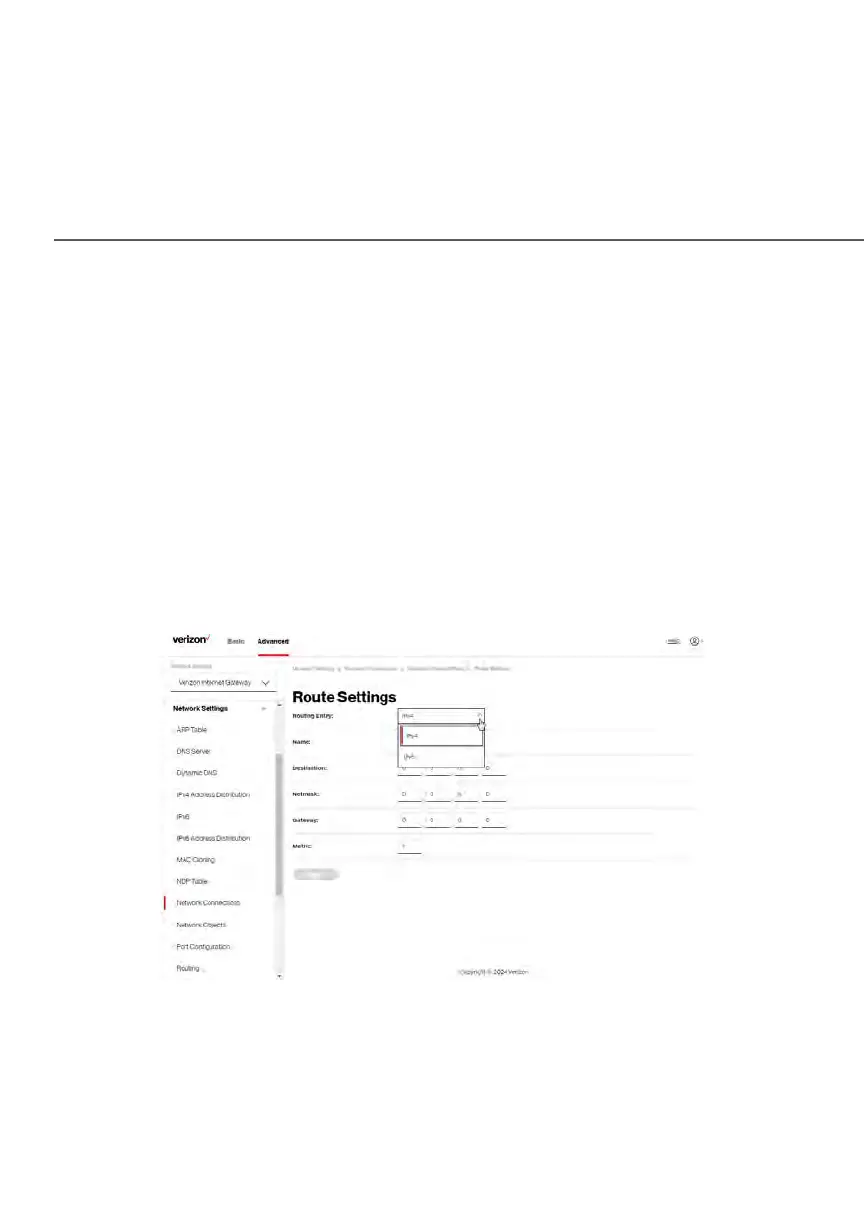
1. In the Routing Table section, click the Add new route button to display
and modify the new route configuration page.
2. To save your changes click Apply.















 To Next Page