04 / CONNECTED
DEVICES
57
http://setup.verizon.com/businessinternetgateway |
©2024 Verizon. All Rights Reserved
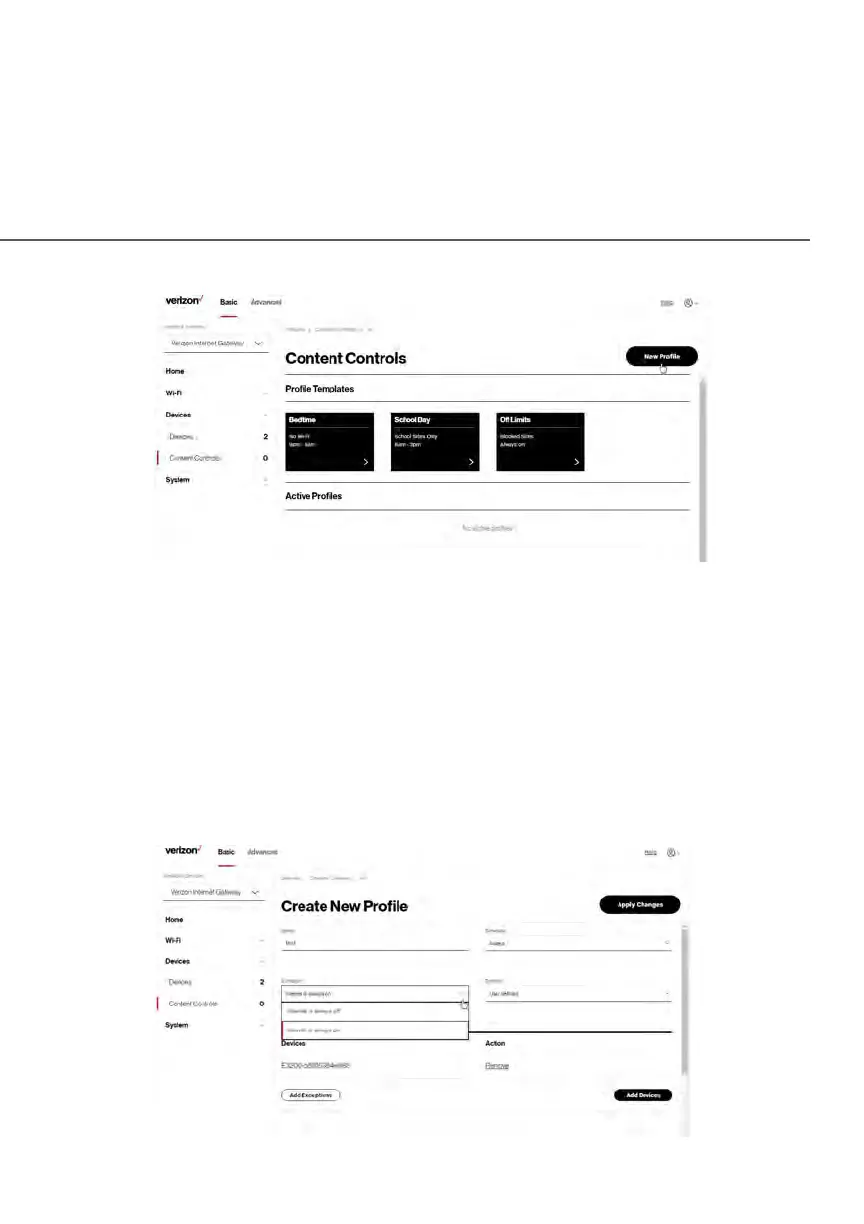
To limit device access:
1. From the Basic menu, select Devices from the left pane and then click
Content Controls.
2. To use the default Rule Templates, select one of the pre-defined rules
as shown on screen to quickly setup access policy for devices on your
network.
3. To create a new access policy, click on the New Rule and the
configuration page displays.















 To Next Page