SETTING CONTENT CONTROLS
4. Create a rule name.
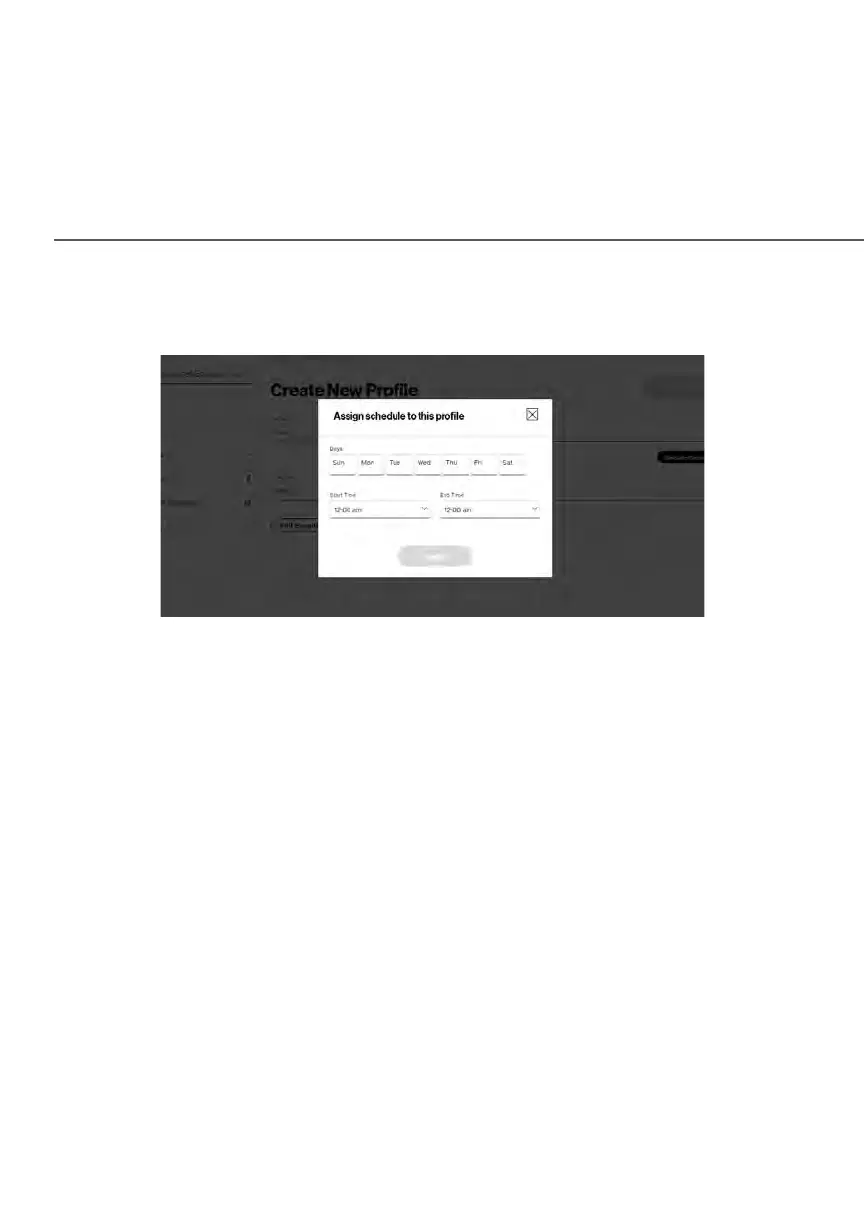
5. Create a Schedule by selecting User defined from the dropdown list.
6. Select the days of the week when the rule will be active or inactive.
7. Set the time when the rule will be active or inactive, then specify the start
time and end time.
8. Click Apply to save changes.
9. Select the Condition rule of Internet is always off/Internet is always on to
block/allow the access to all internet websites.
10. Create the Devices rule by selecting User defined
from the dropdown
list
and select the computers or clicking Add Devices to add a device
where you are limiting access.















 To Next Page