04 / CONNECTED
DEVICES
59
http://setup.verizon.com/businessinternetgateway |
©2024 Verizon. All Rights Reserved
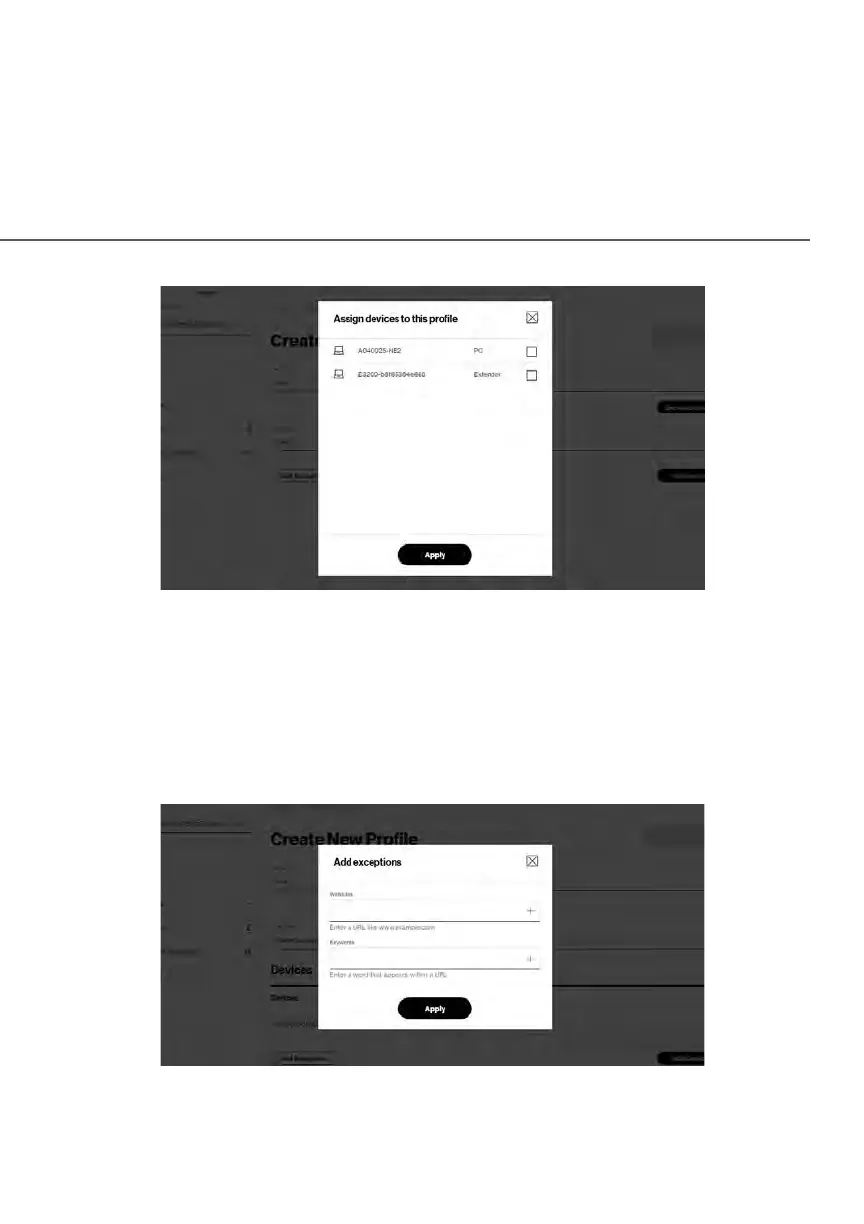
11. Click Apply to save changes.
12. To remove a device from the list, click Remove for the assigned device.
13. Click Add Exceptions for the following exception options:
• Enter the name of the website or keywords within a URL to block/
allow the specified websites and websites with names containing the
specified keyword.
14. Click Apply to save changes.















 To Next Page