SECURITY & FIREWALL
2. To apply the rule to:
• Networked Device or Network Group - select Any.
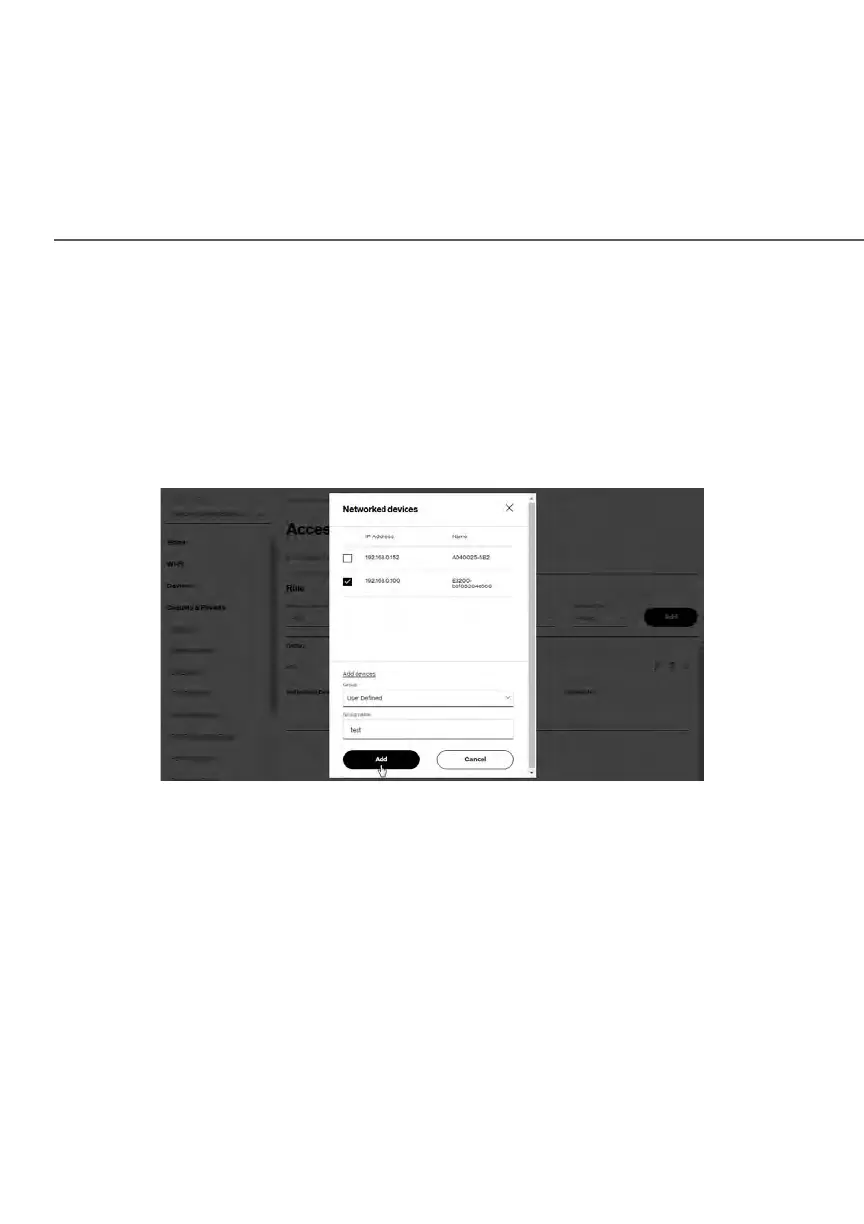
• Specific devices only – select networked device or User Defined.
3. Select the networked device to be allowed or blocked in the list.
4. In the Add devices, enter the group name, then click Add. The new
network group is automatically added to the Access Control section.
5. To block a service, select the internet protocol to be blocked in the
Protocol field.
6. If the service is not included in the list, select User Defined, define the
service, then click Add another entry.
7. Click Add. The service is automatically added to the Access Control
section.















 To Next Page