05 / CONFIGURING
ADVANCED SETTINGS
71
http://setup.verizon.com/businessinternetgateway |
©2024 Verizon. All Rights Reserved
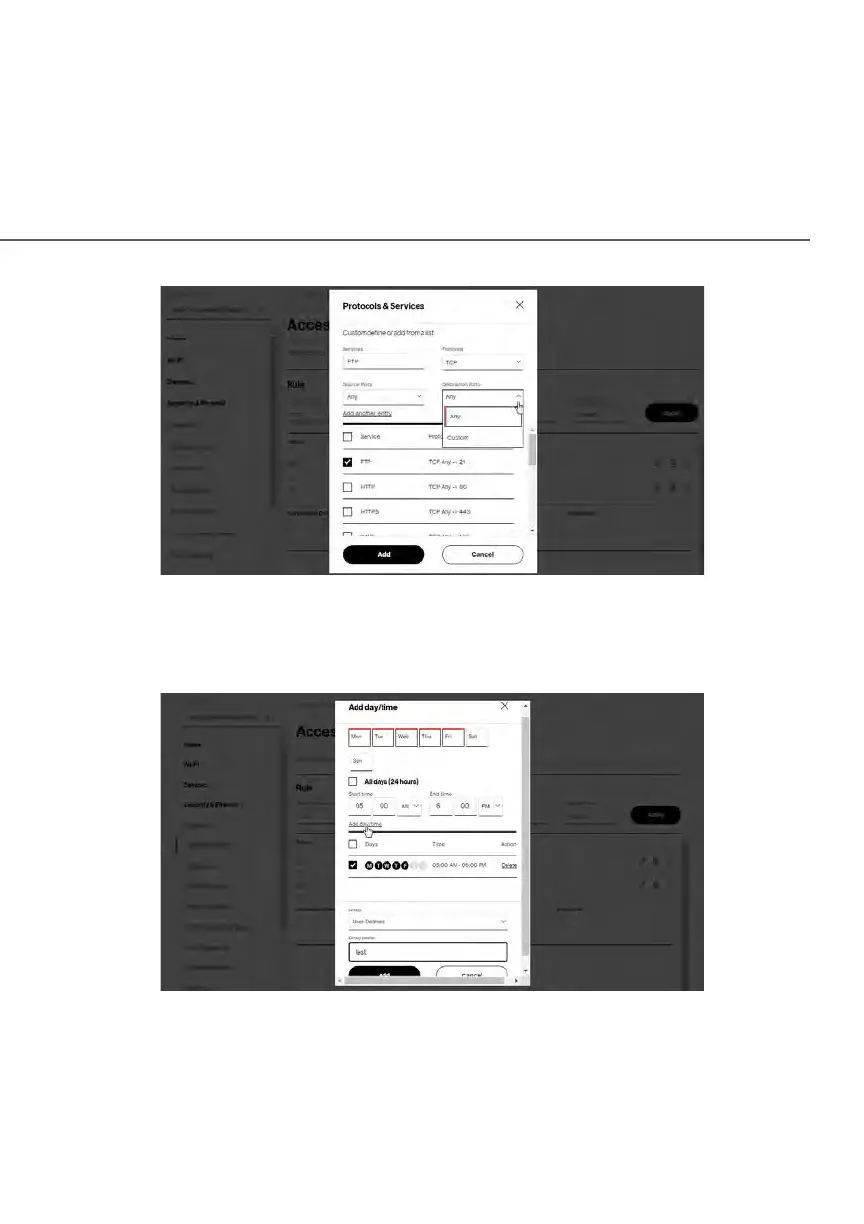
8. Specify when the rule is active as Always or User Defined.
9. Specify days of the week, and set the start time and end time when the
rule will be active or inactive.
10. Click Add day/time to create the schedule time and choose the schedule
rule by clicking on the check box on the screen.
11. Click Add to apply the changes.















 To Next Page