NETWORK SETTINGS
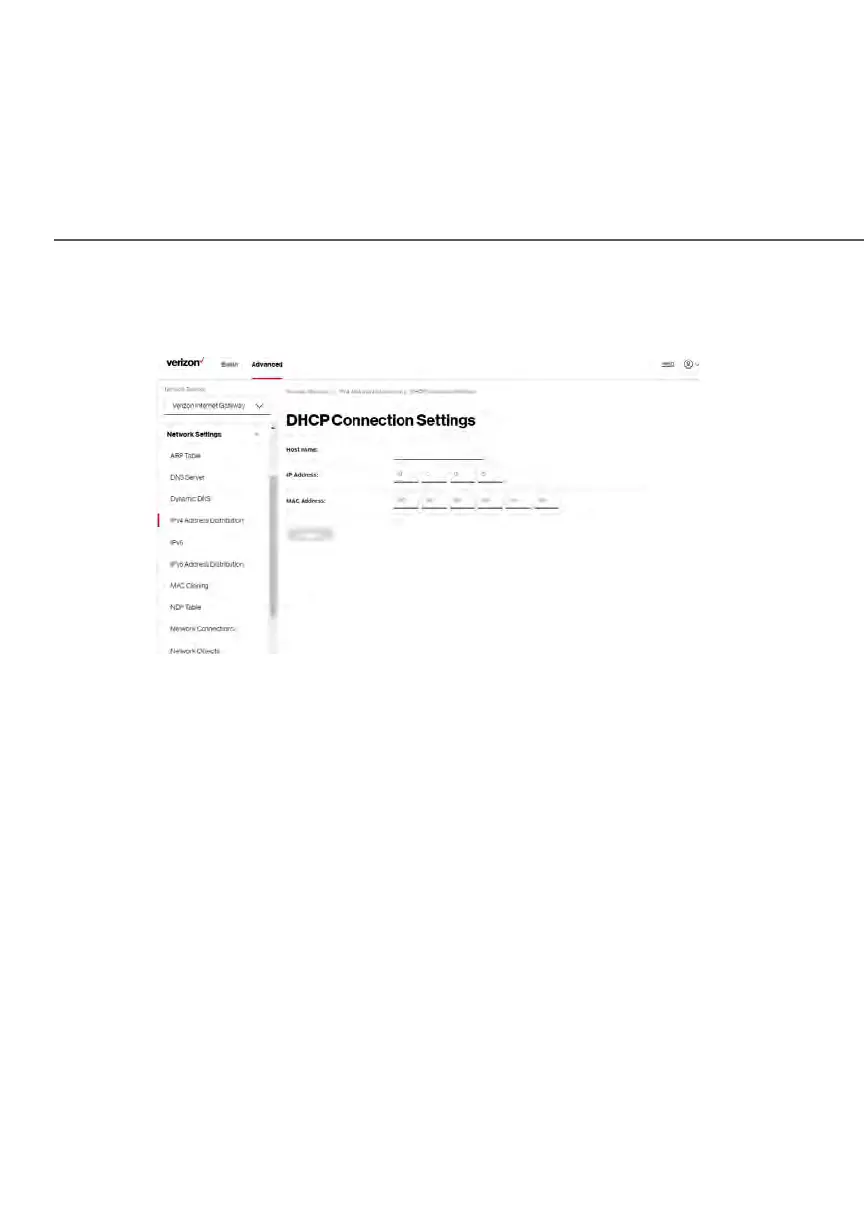
2. To define a new static connection with a fixed IP address, click Add
static connection.
3. Enter the host name.
4. Enter the fixed IP address to be assigned.
5. Enter the MAC address of the network interface of the computer used
with this DHCP static connection.
6. Click Apply to save changes.
5.1e/ IPV6
Use the IPv6 feature settings to enable, disable, or configure an IPv6 Internet
connection and IPv6 LAN settings.
1. To configure your network to use the IPv6 Internet connection type,
select IPv6 in the Network Settings section to display the IPv6 service
options:















 To Next Page