Call Log 4-25
Chapter 4: Using Web Manager for Configuration
Edge 5000 Installation / Configuration Guide
To delete the function assigned to all flexible buttons, except line buttons:
• Select the button. Caution, selecting Clear All will delete all flexible
button assignments, except for line buttons.
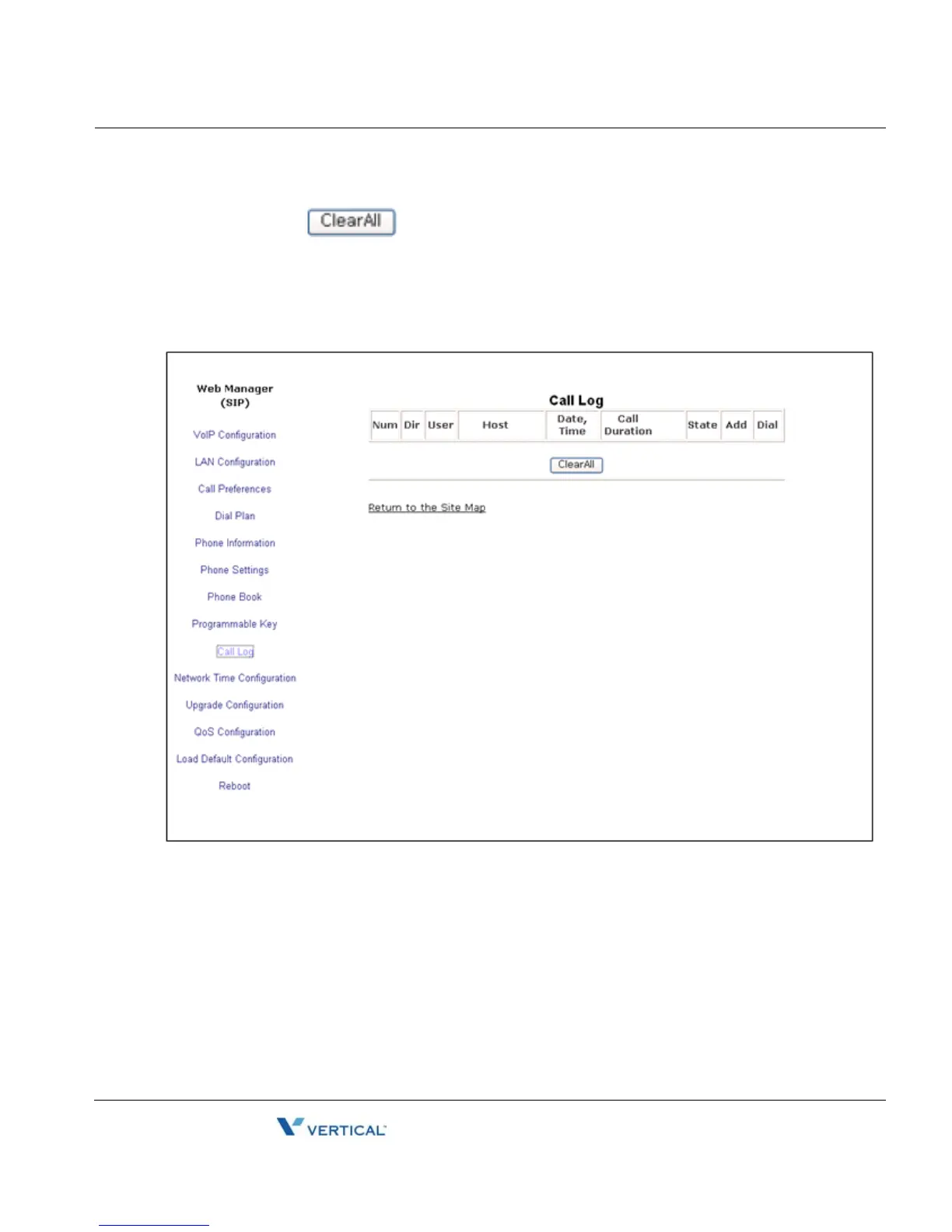
Call Log
The Call Log is a list of all calls (incoming, outgoing or missed) at the extension. The log
indicates the type of call (IC, OG and M), the contacts name and contact information, time and
duration of the call, and state of the call. From the Call log, the user can call a contact or store
a call log record directly to the Phone Book. The Call Log will be lost if the phone loses power
or reboots.



 To Next Page