EasyManua.ls Logo

Vertical Edge 5000 - Appendix D Using the Configuration File; Dial Pad Mode

Vertical Edge 5000
168 pages
Print Icon
To Next Page IconTo Next Page
To Previous Page IconTo Previous Page
Loading...
Edge 5000 Installation / Configuration Guide
Appendix E
Dial Pad Mode
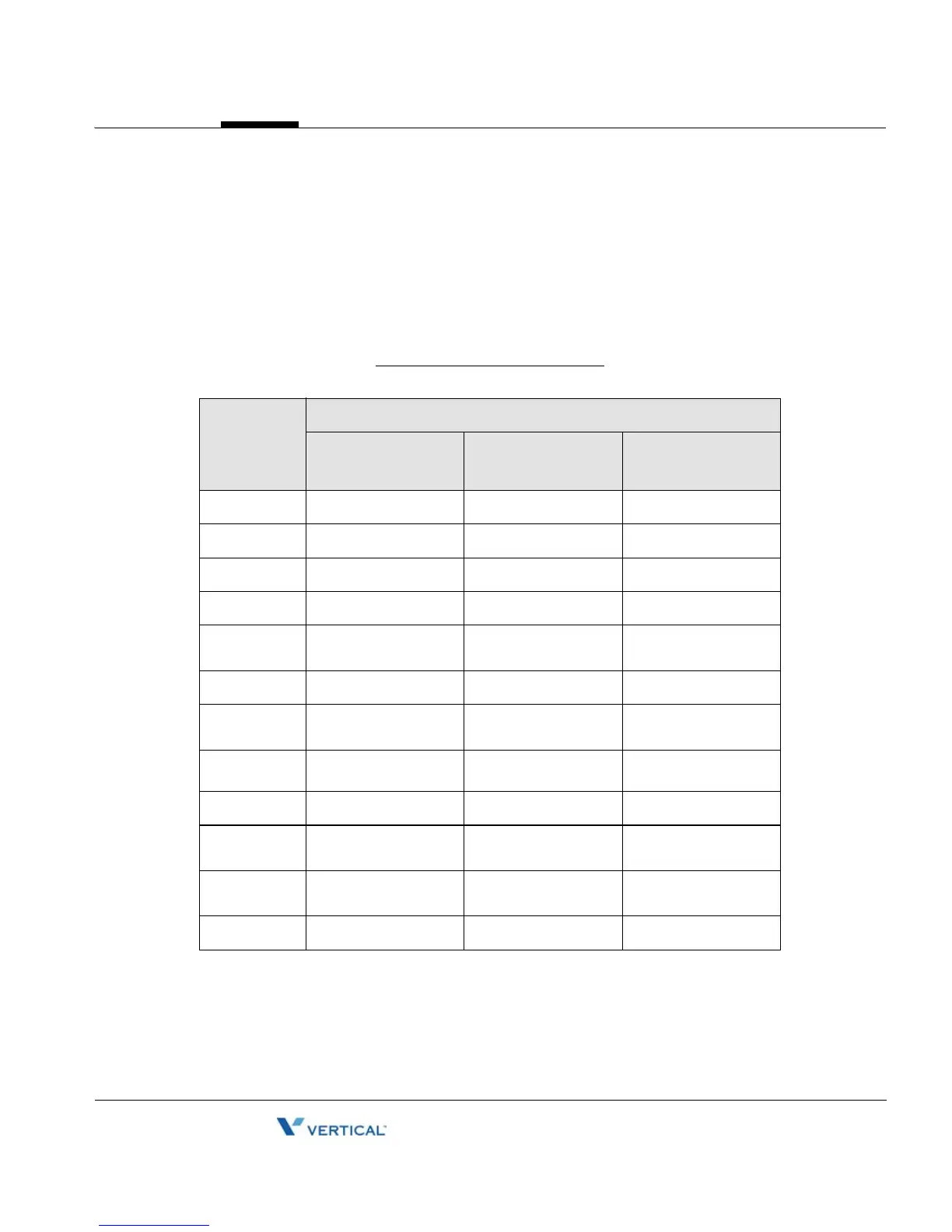
The Edge 5000 dial pad inputs digits or alphanumeric characters for specified entries such as
hostname. The table below provides the input information for dial pad mode.
Alphanumeric Character Set
Digit
Dial Pad Mode
Upper Case
‘[A]’
Lower Case
‘[a]’
Symbols
‘[S]’
1 @ : / @ : / @ : /
2 A B C a b c | $ %
3 D E F d e f ^ & _
4 G H I g h i ( ) ?
5 J K L j k l
- + , /
6 M N O m n o < > =
7 P Q R S p q r s
; :
8 T U V t u v
`
9 W X Y Z w x y z { }
0
. , ? ! . , ? ! . , ? !
*
. * . * . *
# Space (‘ ‘) Space (‘ ‘) # [ ]
Release 1.0
September 2010

Table of Contents

Related product manuals