Edge 5000 Installation / Configuration Guide
Appendix C
Download LCD Messages
The following tables provide the messages displayed for the most recent s/w and configuration
download attempts.
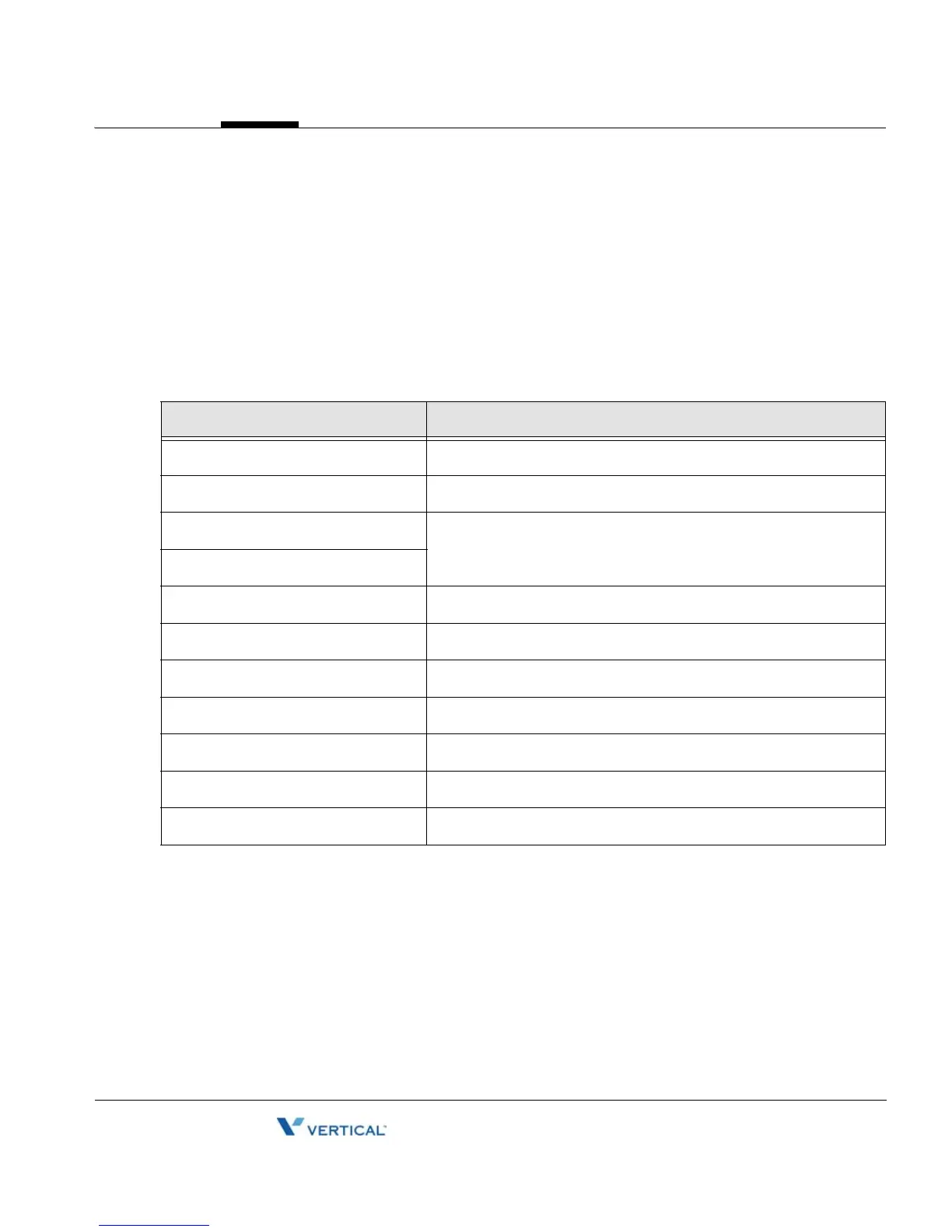
Software Download Messages
Message Description
LOAD FLAG OFF S/W load is disabled
NULL SERVER ADDR TFTP/WEB server address is 0.0.0.0
VER FILE XFER ERR Downloading a new version of S/W has failed
Check the TFTP/WEB server
IMAGE XFER ERR
VER FILE NOT FOUND The version file doesn’t exist in TFTP/WEB server
VER STRING ERR The version file contains an erroneous format
IMAGE NOT FOUND The S/W image doesn’t exist in TFTP/WEB server
IMAGE SIZE ERR The S/W image size is 0 or larger than maximum size
INVALID ID OR PW The current Id or password for authentication is invalid
NEW VERSION LOADED S/W was successfully loaded
UPDATE NOT NEEDED The current version is the latest



 To Next Page