Load Default 4-34
Chapter 4: Using Web Manager for Configuration
Edge 5000 Installation / Configuration Guide
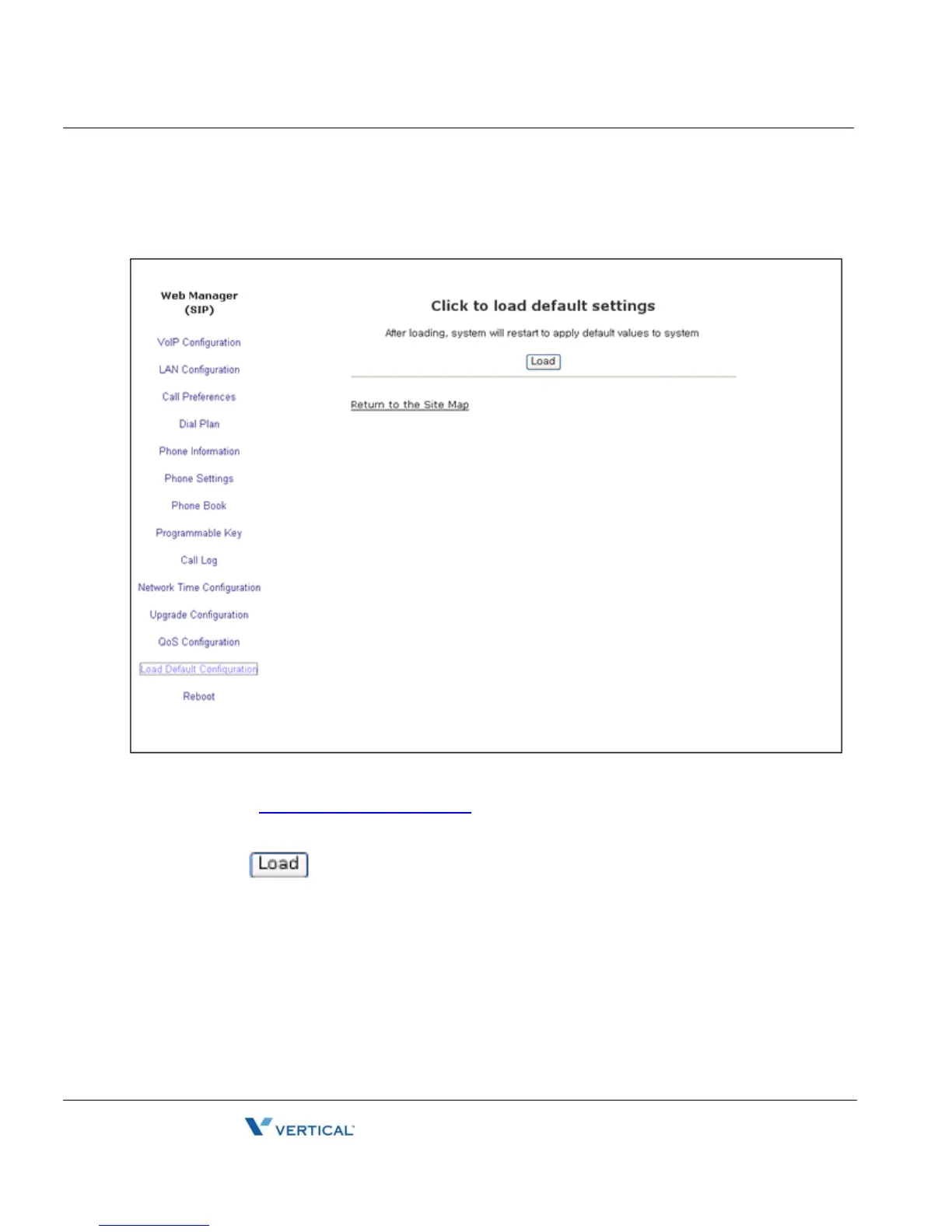
Load Default
The Load Default page permits the IP Phone configuration to be returned to factory default
values. Refer to
“Default Settings” on page A-1 for details.
To set the IP Phone memory to the default configuration:
• Select and confirm.
• The IP Phone loads the default configuration and reboots.



 To Next Page