LAN Configuration 4-7
Chapter 4: Using Web Manager for Configuration
Edge 5000 Installation / Configuration Guide
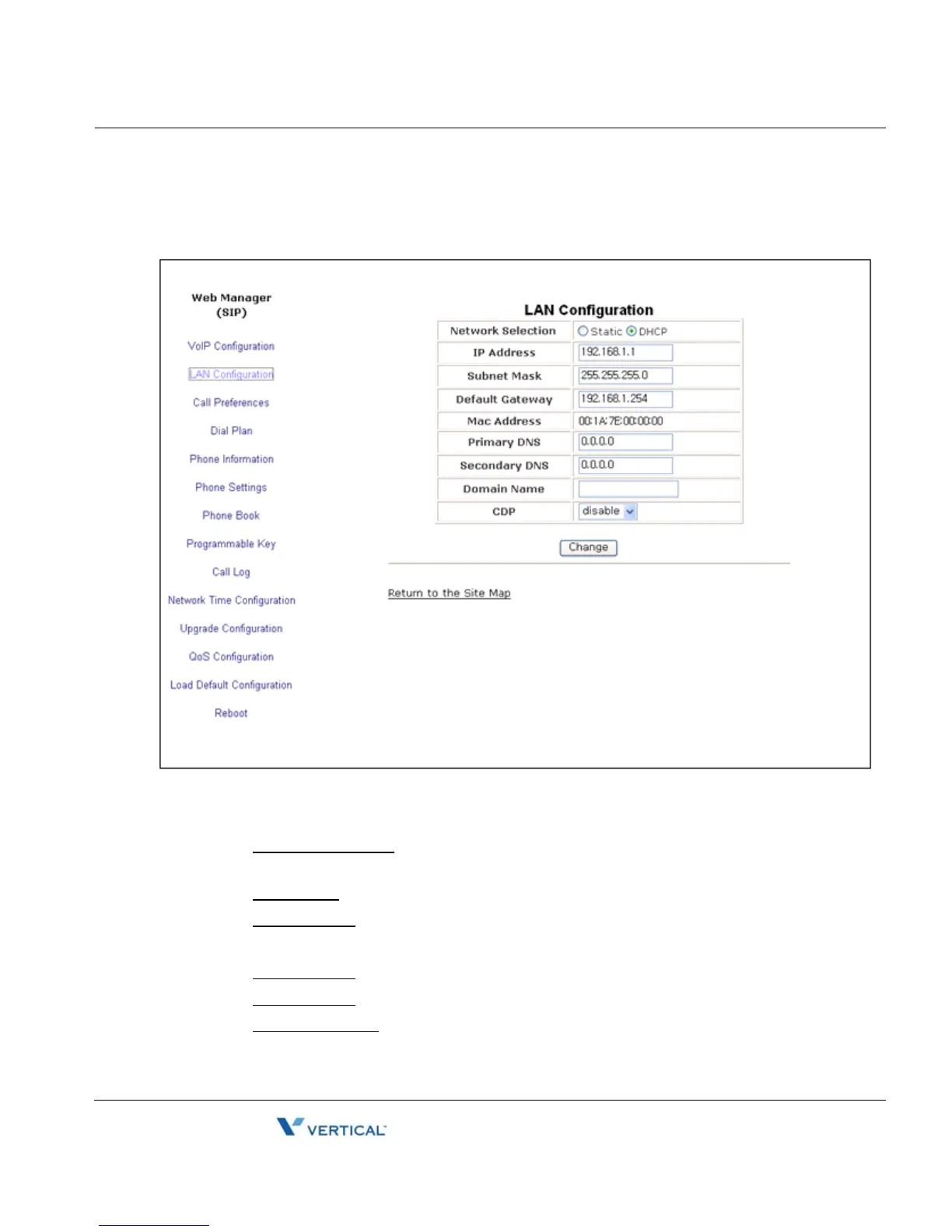
LAN Configuration
In the LAN screen the adjustable parameters are:
- LAN Configuration
• Network Selection
is the IP address mode for the IP Phone. The radial button
selects static or DHCP address mode.
• IP Address
is the IP Phone IP address.
• Subnet Mask
is the IP Phone subnet mask.
• Default Gateway is the IP Phone default gateway IP address.
• Mac Address
is the MAC address of the IP Phone, view only.
• Primary DNS
is the IP address of DNS server.
• Secondary DNS
is the IP address of an auxiliary DNS server.



 To Next Page