Login & Site Map 4-3
Chapter 4: Using Web Manager for Configuration
Edge 5000 Installation / Configuration Guide
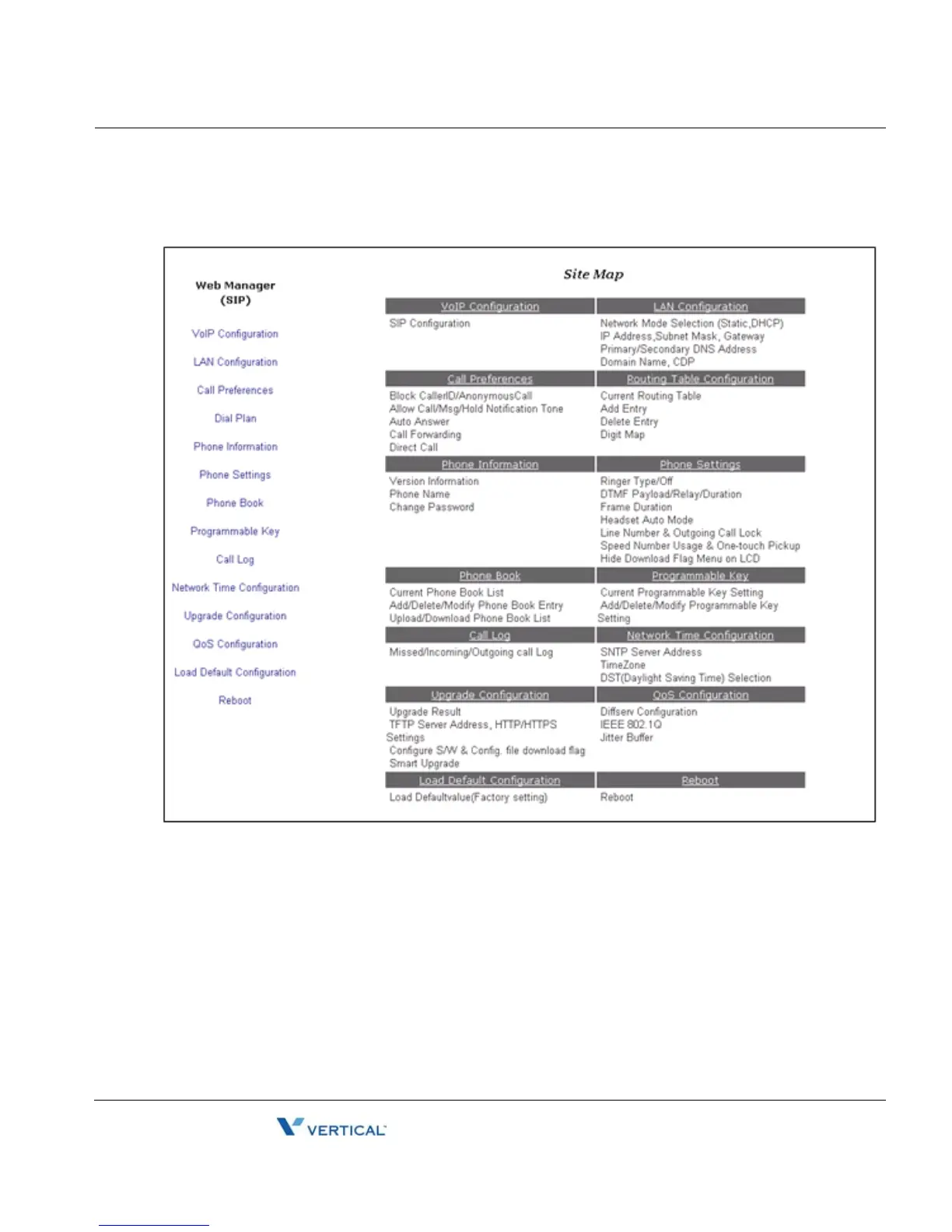
• Enter a valid User name and Password to display the Web Manager Site map shown
below. The default User name is private and the Password is lip.
On the left is the Web Manager page-link window and in the main screen is a more detailed site
map.
• Select the desired page from either the page-link or the site map window.



 To Next Page