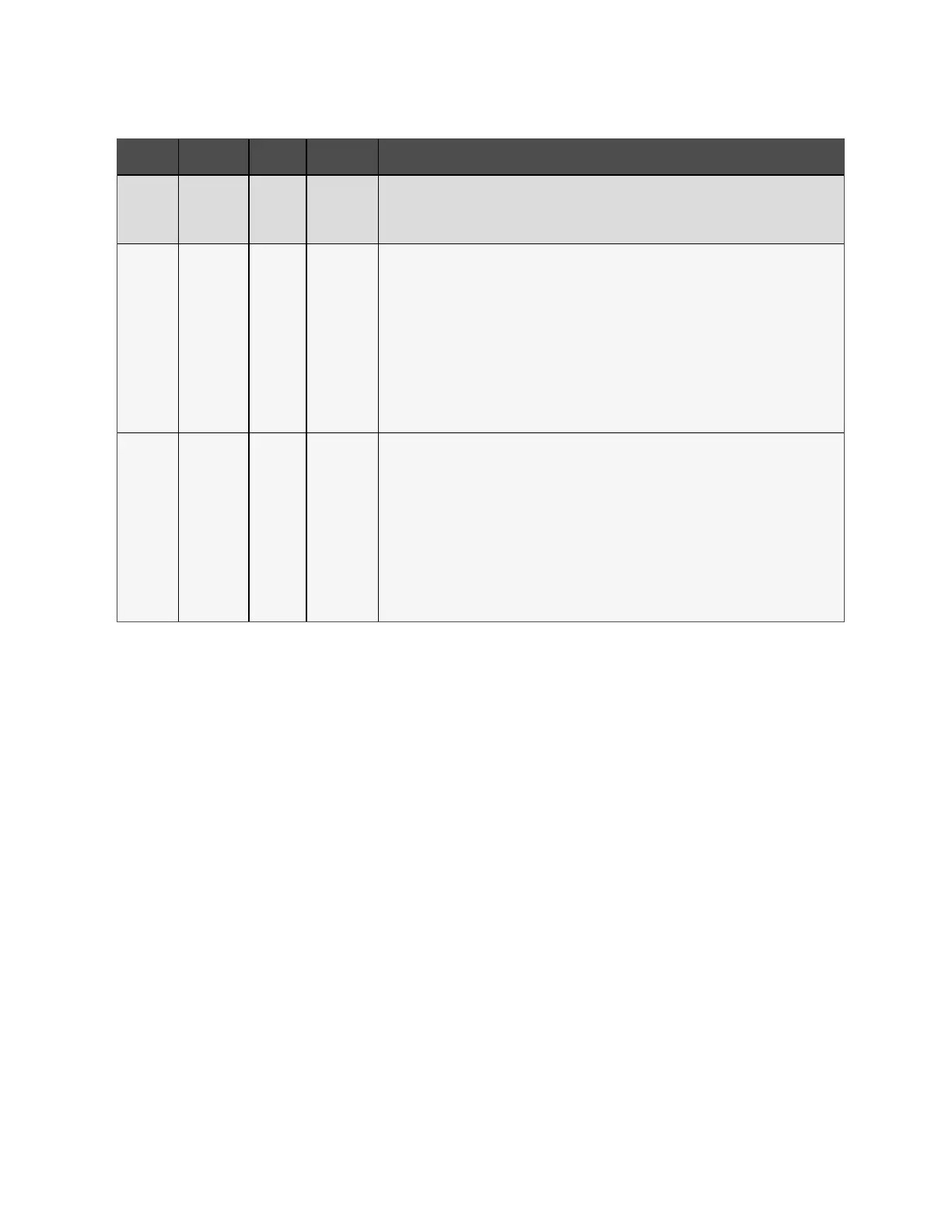
Port no. Port Name Pin No. Pin Name Description
8
REPO Coil -
NC
NC, activated when Pin 7 and Pin 8 is open
NOTE: For details on REPO connection and operation, see Connecting a Remote Emergency
Power Off (REPO) Switch below.
5 Output 5 9,10
Remote
Fault Alert 5
User configurable dry contact output that can be set to alert the user to the faults below. The user
can also select the dry contact as either NO or NC. (See System Parameter Options on page45)
When NO, Pins 9 and 10 are shorted when the fault occurs. When NC, Pins 9 and 10 are opened
when the fault occurs.
Options are:
• Low battery (default)
• On battery
• On bypass
• UPS fault
6 Output 6 11, 12
Remote
Fault Alert 6
User configurable dry contact output that can be set to alert the user to the faults below. The user
can also select the dry contact as either NO or NC. (See System Parameter Options on page45)
When NO, Pins 11 and 12 are shorted when the fault occurs. When NC, Pins 11 and 12 are opened
when the fault occurs.
Options are:
• Low battery
• On battery
• On bypass
• UPS fault (default)
Table 3.3 Dry Contact Connection and Pin-out Descriptions (continued)
3.10.3 Connecting a Remote Emergency Power Off (REPO) Switch
The UPS includes an EPO connection in the dry-contact port. See the appropriate figure for your model in Rear Panels on
page4, for the location of the port.
UPS ships with a REPO jumper installed, allowing the UPS to operate as a normally-closed switch system (failsafe). Opening
the circuit disables the UPS. To connect a REPO switch that opens the circuit to shut down the rectifier and inverter and
power off the UPS, use a cable from the remote switch to plug into the REPO port on the UPS.
In normal conditions, the REPO switch cannot cut off the UPS input power. When the REPO switch trips, the UPS generates an
alarm and immediately cuts-off battery charging and output power. When the emergency condition is resolved, the UPS will
not return to normal operation until you reset the REPO switch and manually power on the UPS.
To make the cable for the REPO connection:
Figure 3.10 on the next page, shows the cable required to make the connection. We recommend using 18 AWG to 22 AWG
(0.82 mm2 to 0.33 mm2) copper-core cable.
1. Remove the insulation from the end of two cables.
2. Insert the stripped end into the plug terminals 1 and 2 respectively, then press down the terminals. Make sure
that the cables are secure in the plug to prevent failure because of loose contact.
3 Installation Proprietary and Confidential ©2024 Vertiv Group Corp. 29
Vertiv™ Liebert® GXT5 UPS Installer/User Guide



 To Next Page