7 Troubleshooting
This section indicates various UPS symptoms you may encounter and provides a troubleshooting guide in the event the UPS
develops a problem. Use the following information to determine whether external factors caused the problem and how to
remedy the situation.
7.1 Symptoms that Require Troubleshooting
The following symptoms indicate the UPS is malfunctioning:
• The relative indicators illuminate, indicating the UPS has detected a problem.
• An alarm buzzer sounds, alerting the user that the UPS requires attention.
7.2 Audible Alarm (Buzzer)
An audible alarm accompanies various events during UPS operations. Table 7.1 below, describes the sounds and their
meaning. To silence an alarm, see Silencing the Audible Alarm on page33.
Sound Indicates
Continuous beep Generated when a UPS fault appears, such as a fuse or hardware failure.
One beep every 0.5 second Generated when a UPS critical alarm appears, such as on inverter overload.
One beep every 1 second Generated when a UPS critical alarm appears, such as on battery low voltage.
One beep every 3.3 seconds Generated when a UPS general alarm appears.
Table 7.1 Audible Alarm Description
NOTE: When an alarm is indicated, an alarm message is logged. Table 5.4 on page49, describes the alarm messages
you may see. When a fault is indicated, front panel display list the fault, which are described in Table 7.2 on the next
page.
7.2.1 Faults
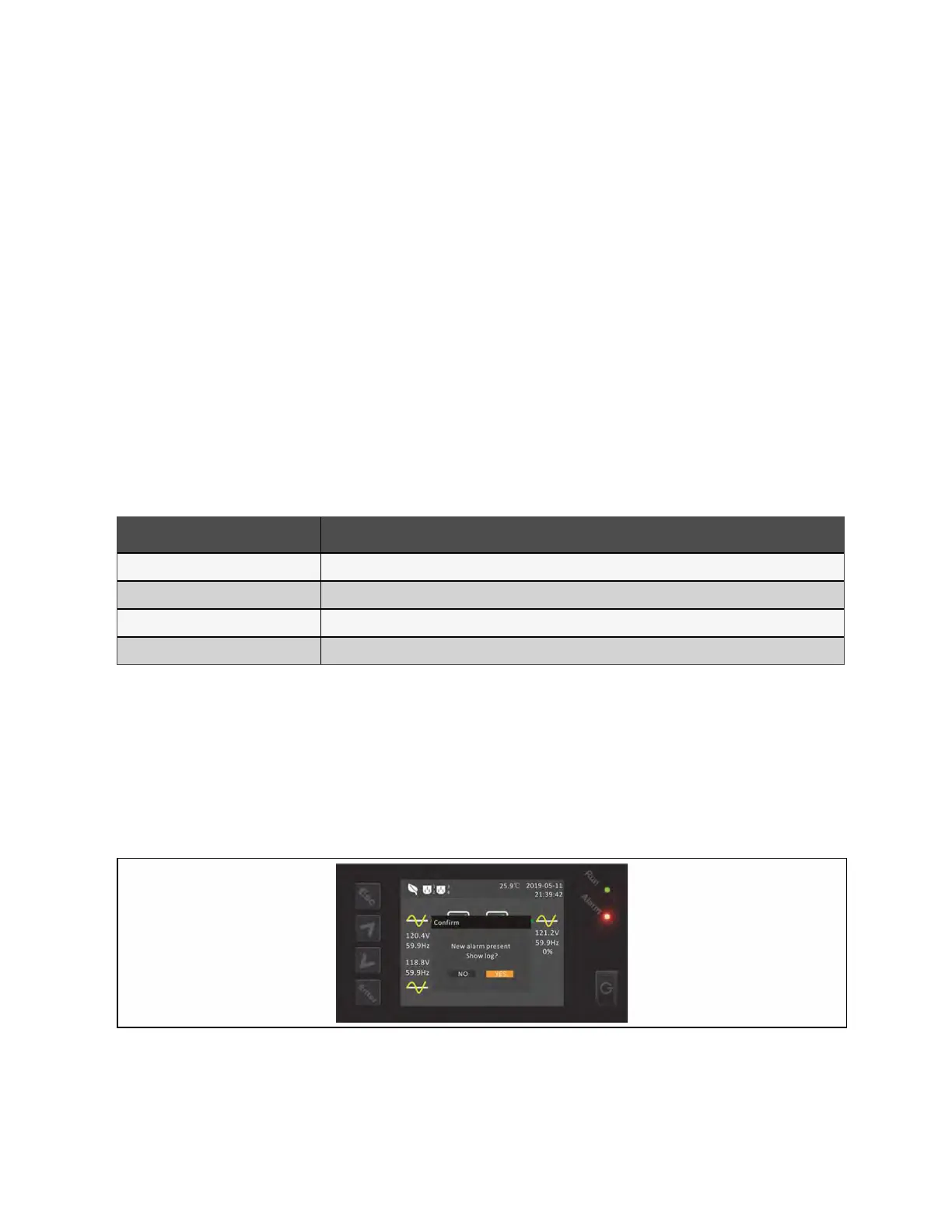
When the fault indicator is illuminated, the LCD displays the fault. The faults are described in Table 7.2 on the next page.
Figure 7.1 LCD Display—Fault Indicator
7 Troubleshooting Proprietary and Confidential ©2024 Vertiv Group Corp. 63
Vertiv™ Liebert® GXT5 UPS Installer/User Guide



 To Next Page