Vertiv™ | Liebert® LDMF™ Distribution Monitoring User Manual | 8
3.6 Human-Machine Interface/Display Assembly (Optional)
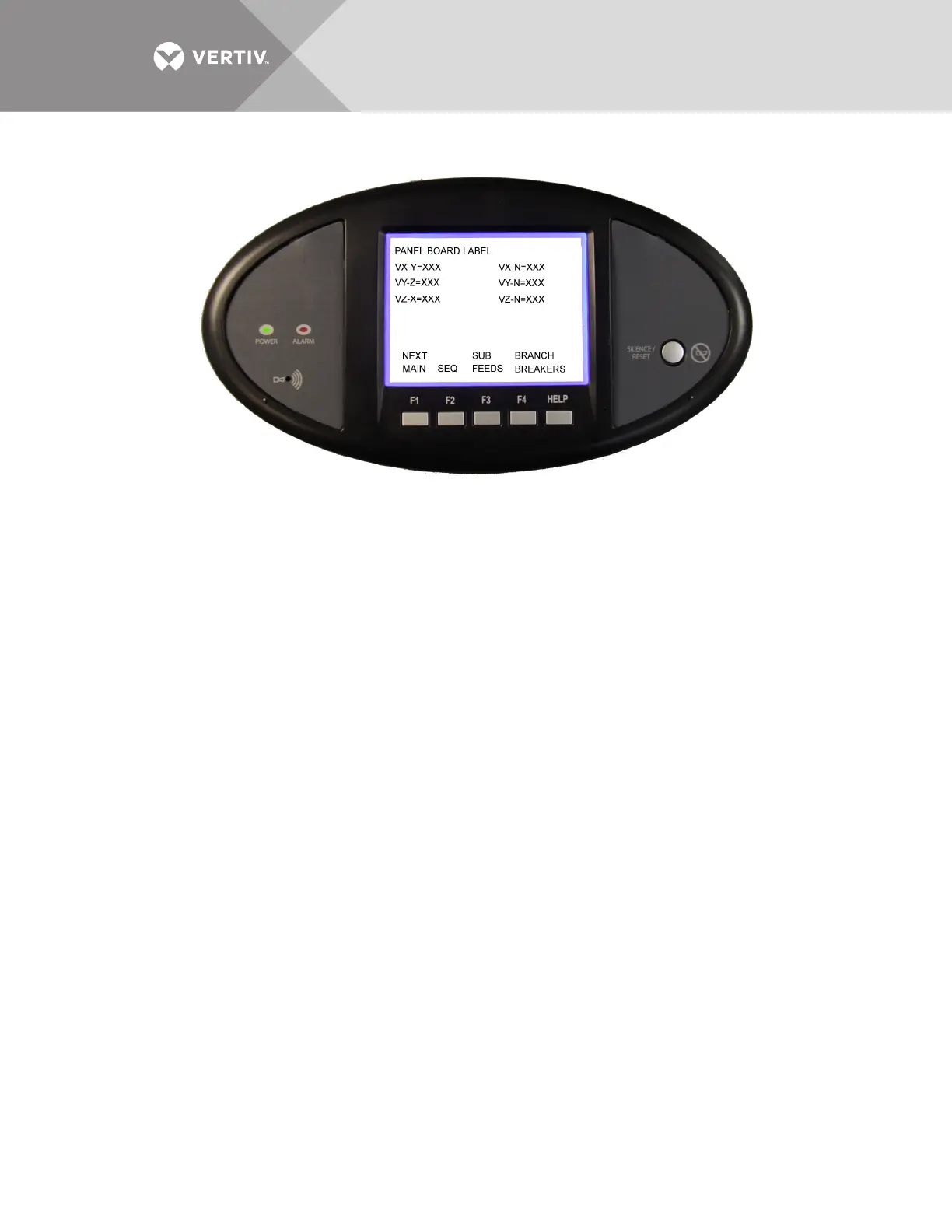
The LDMF allows users to view the panelboard circuit data locally through the optional display.
The user interface has function keys to scroll through and view each panelboard's data as well as
the associated branch circuits and/or subfeeds.
Along with the branch circuit data the LDMF Display also has an alarm annunciation window that
lists all active alarms. The display has an LED status indicator that changes to red in the event of
an alarm. The Silence/Reset button will silence the audible alarm when pressed once and held
until alarm is silenced. When pressed a second time, the button clears the alarm and turns off the
red LED.
Alarm thresholds cannot be added, deleted or adjusted on the local display. These functions may
be performed only by using the LDMF Configuration software, which is available for download at
the Liebert Web site. Refer to 5.3 - Downloading the Software for downloading instructions and
see 5.5 - Using the Configuration Tool for details on using the software.



 To Next Page