Vertiv™ | Liebert® LDMF™ Distribution Monitoring User Manual | 39
5.6 Upgrading the Firmware
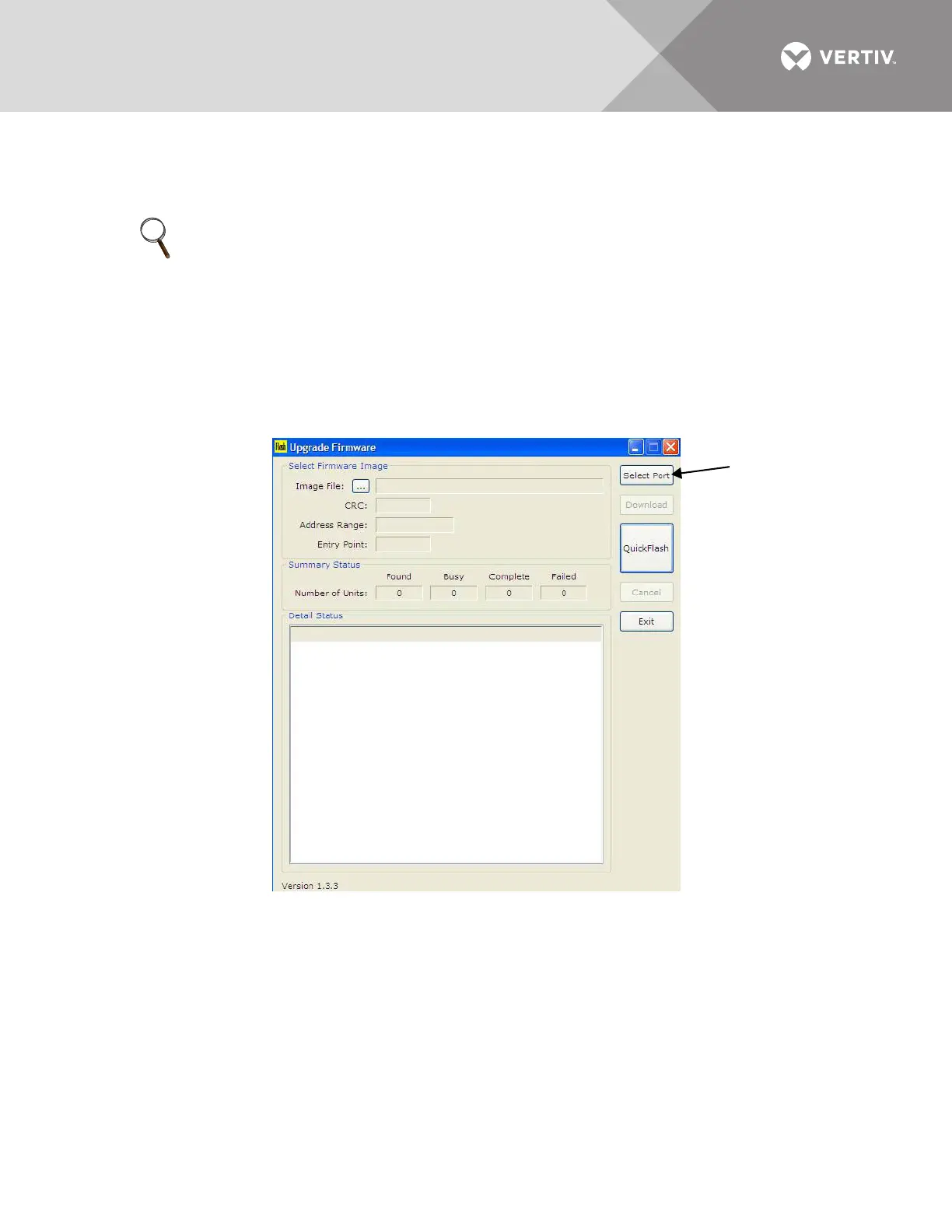
The Flash program is used to upgrade the firmware on a Liebert LDMF unit. It uses the service
terminal port to erase the old firmware, copy the new firmware and reboot the unit.
To upgrade the firmware:
1. Make sure the Liebert LDMF unit is powered ON.
2. Connect the PC to the Liebert LDMF via the external DB9 connection. Refer to 5.2.1 - LDMF Setup Port
Connection.
3. Run the file named Flash-x.x.x.exe (where x.x.x is the version number).
4. In the Upgrade Firmware window, click the Select Port button.
NOTE
Updating the firmware will not erase any configuration settings currently installed.
Installing a new configuration file will overwrite the Modbus address and settings.



 To Next Page