Vertiv™ | Liebert® LDMF™ Distribution Monitoring User Manual | 19
5.0 OPERATION
The Liebert LDMF is a factory-installed option to provide monitoring of the main breaker, branch
circuit breakers and subfeed breakers. It may be installed in the Liebert PPC, Liebert FDC, Liebert
FPC. Liebert RX and the Liebert RDC.
Software available on the Liebert Web site (see 5.3 - Downloading the Software) can be
installed on a desktop or laptop computer (PC) to monitor status and configure breaker
parameters and alarm setpoints. These monitoring and configuration functions are described in
5.4 - Using the Monitor Tool (Used Only for Startup and Diagnostics) and 5.5 - Using the
Configuration Tool.
The Liebert LDMF has an optional local display in conjunction with the remote monitoring
capability. The display allows end users to view the panelboard main information as well as each
individual branch circuit breaker and/or subfeed data. Alarm status may also be viewed from the
local display for up-to-date breaker status.
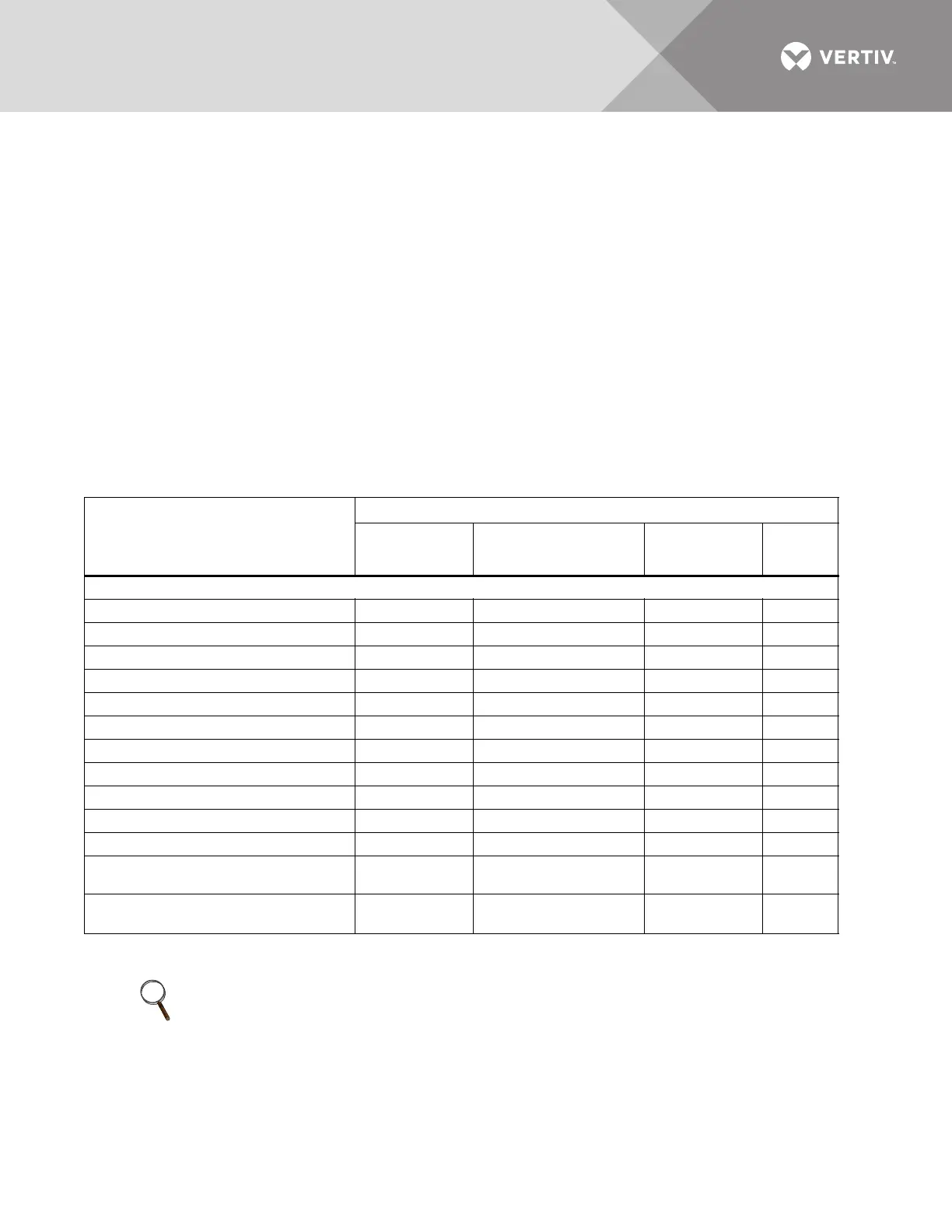
The Liebert LDMF monitors and displays the parameters listed in Table 6.
Circuit identification and status of each breaker are also displayed.
Table 6 Parameters monitored for breakers
Parameters
Displayed and monitored for each:
Panelboard
Branch
Circuit Breaker
Panelboard Main
Circuit Breaker and
SqD I-Line Panelboard
SqD I-Line
Panelboard
Circuit Breaker
Subfeed
Circuit
Breaker
Voltage
Line-to-Line — 4 — —
Line-to-Neutral — 4 — —
Phase Current 4 4 4 4
Neutral Current — 4 4 4
Ground Current — 4 4 4
kVA — 4 4 4
kW 4444
kW-Hours 4 4 4 4
Percent Load 4444
Power Factor — 4 4 4
Crest Factor — 4 4 4
Voltage Total Harmonic Distortion
(THD)
—4 44
Current Total Harmonic Distortion
(THD)
—4 44
NOTE
Before making any changes to an existing configuration or uploading a file to another Liebert
LDMF system, make a note of the Software Address. When overwriting an existing configuration
file due to changes, modifications or breaker addition/deletion, the Software Address will revert
to the value of the file that is loaded. This can lead to incorrect Software Addresses causing
Modbus communication errors.



 To Next Page