Vertiv™ | Liebert® LDMF™ Distribution Monitoring User Manual | 22
5.2 Communication
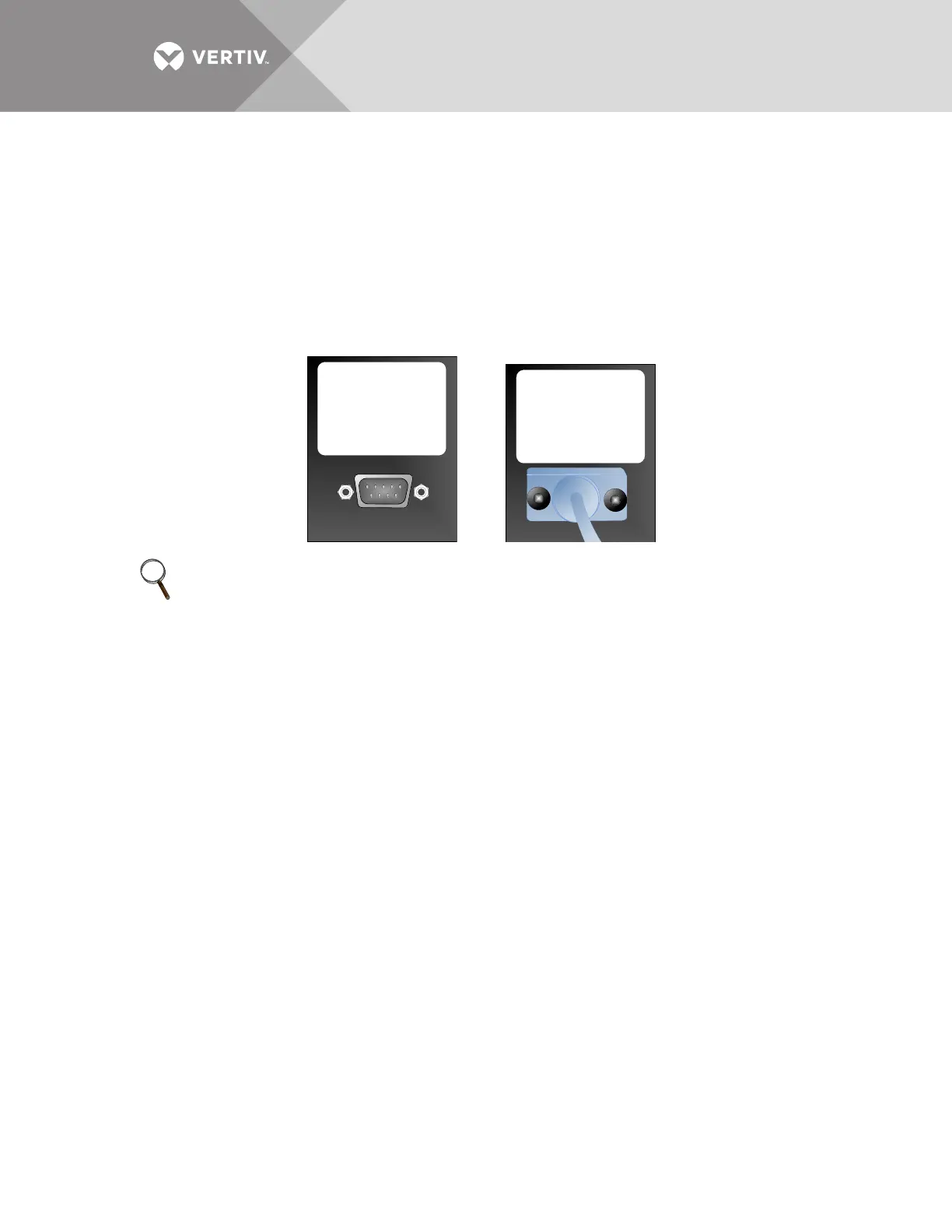
Connecting locally to the Liebert LDMF Monitoring option requires a female-to-female (F-F) DB9
null modem cable. There will be an external port on the Liebert Power product labeled LDMF
SETUP. Connect the DB9 null modem cable to a local PC. Once connected you may run any of the
provided software tools that can be downloaded from the Liebert Web site (see 5.3 -
Downloading the Software).
5.2.1 LDMF Setup Port Connection
The local LDMF Setup port is not intended to be a service terminal or hyperterminal connection.
It is intended only for use of the Liebert LDMF software tools provided.
5.2.2 Modbus Connection
Use the Modbus port for remote communication. The Liebert LDMF supports two-wire RS-485
and Ethernet connections (customer-installed).
To connect to the Modbus port:
• Look for Connector RS-485 on the Liebert IntelliSlot
™
IS-UNITY-DP or IS-485S card for Modbus 485, or IS-
IPBMS or IS-UNITY-DP card for Modbus IP.
• Refer to the following figure for proper connection points.
NOTE
The images above are for illustration only. The location of the external port may vary.
LDMF SETUP
THE LDMF DOCUMENTATION TOOLKIT WHICH
INCLUDES THE USER’S MANUAL
CONFI GURATION SO FTWARE AND MODBUS
REGISTRY CAN BE DOWNLOADED AT THE
FOLLOWING WEB ADDRESS
HTTP://WWW.LIEBERT.COM/SERVICESUPPORT
_PAGES/SERVICESUPPORT .ASPX?X=SOFTWA
RE_DOWNLOADS
528046P1 Rev 3
LDMF SETUP
THE LDMF DOCUMENTATION TOOLKIT WHICH
INCLUDES THE USER’S MANUAL
CONFIGURATION SOFTWARE AND MODBUS
REGISTRY CAN BE DOWNLOADED AT THE
FOLLOWING WEB ADDRESS
HTTP://WWW.LIEBERT.COM/SERVICESUPPORT
_PAGES/SERVICESUPPORT .ASPX?X=SOFTWA
RE_DOWNLOADS
528046P1 Rev 3



 To Next Page