3
Multi-Sensor 360 User Manual
Chapter 1: Product Introduction
Copyright © 2021 Vicon Industires Inc. All Rights Reserved.
Removing the Protective EPE Foam and Preparing the Network Cables
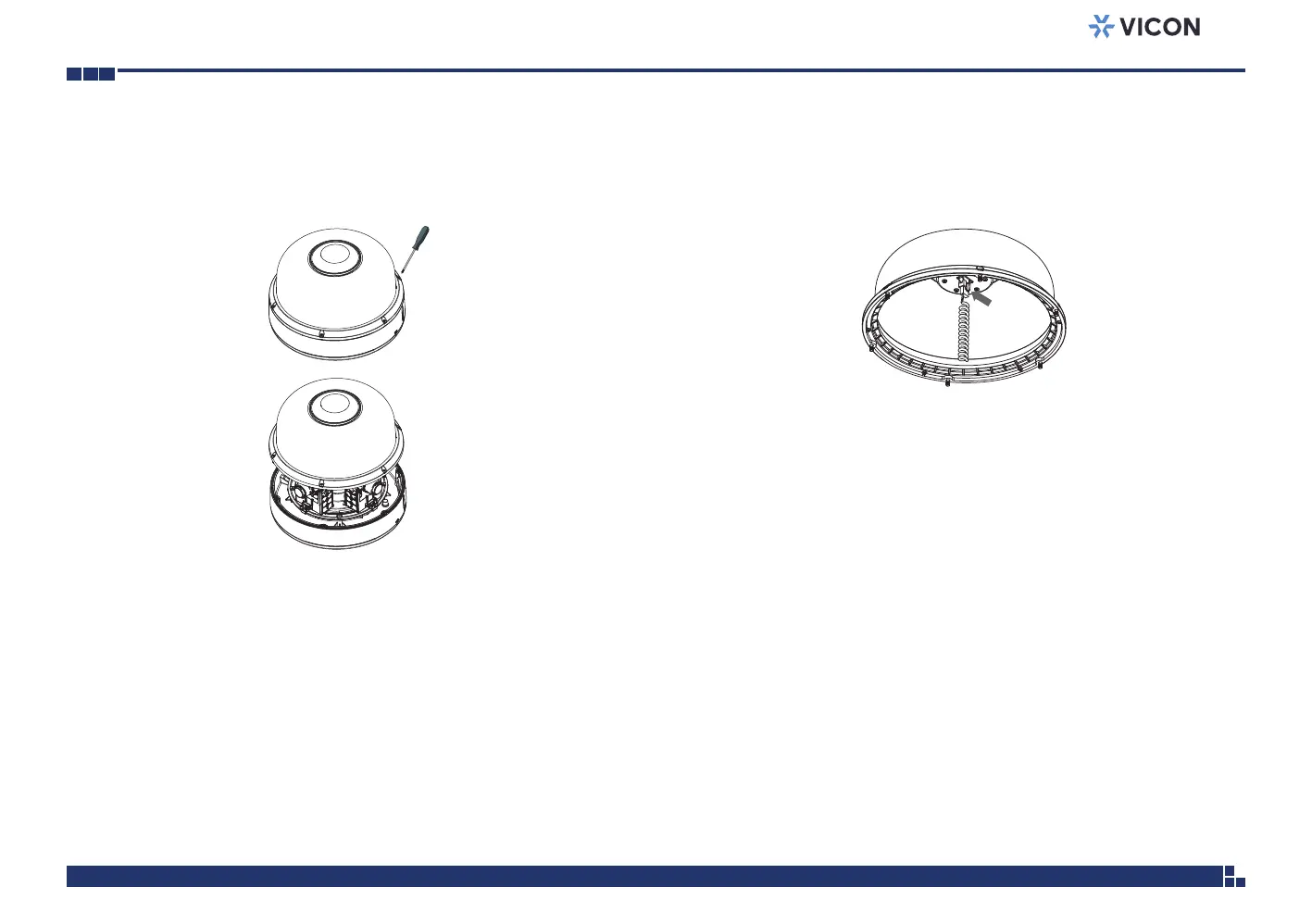
2. Remove the coil cord from the top cover.
1. Loosen the 6 captive screws on the dome bubble using the torx tool
supplied and open it.



 To Next Page