47
Multi-Sensor 360 User Manual
Chapter 2: Camera Configuration
Copyright © 2021 Vicon Industires Inc. All Rights Reserved.
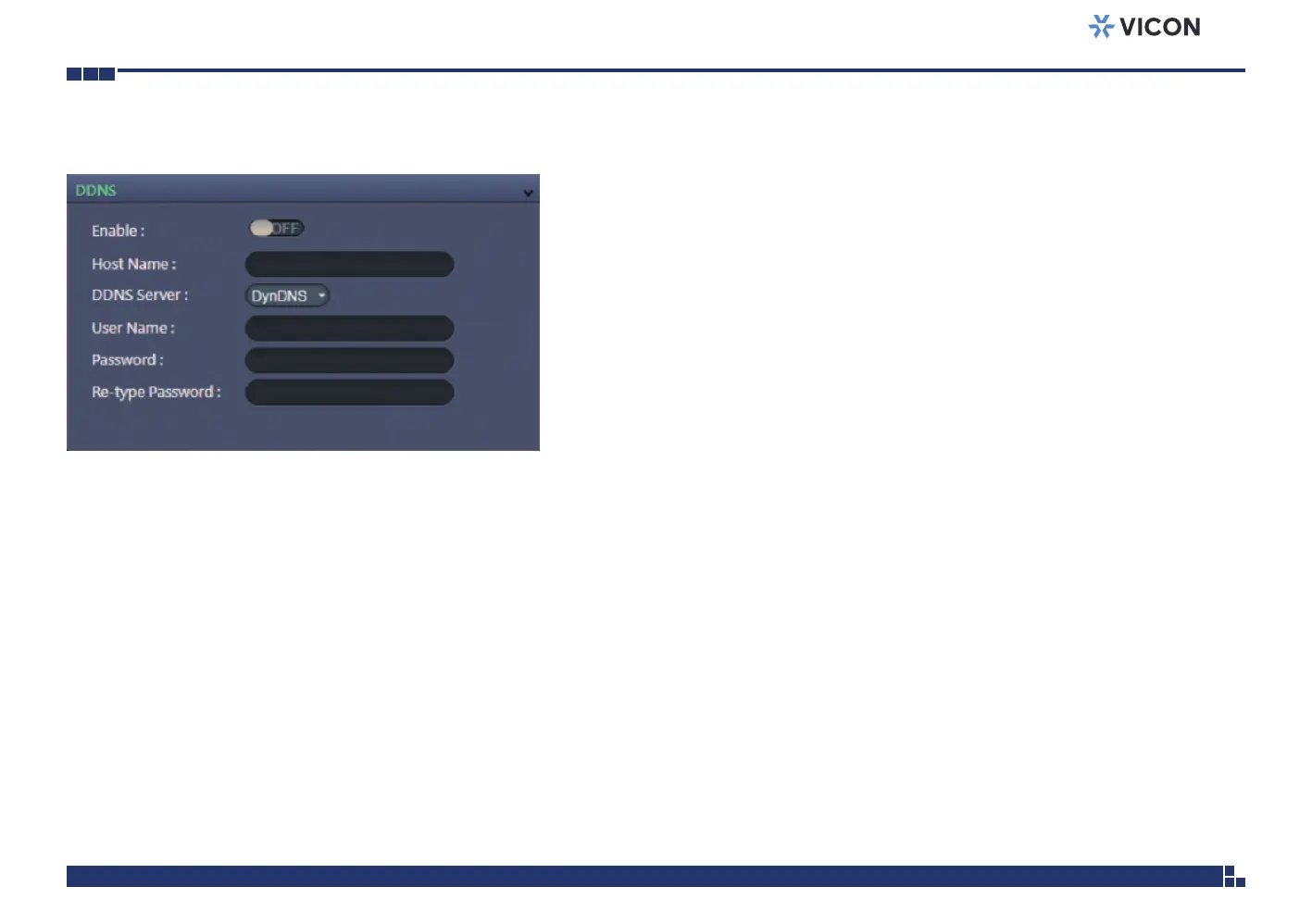
Network - DDNS
DDNS Configurations
Enable
Enables or disables DDNS service.
Hostname
Hostname of the DDNS account.
DDNS Server
Select the DDNS service provider from the drop-down menu; the available
providers are DynDNS, NO-IP, and Two-DNS. The default option is
DynDNS.
Username
Username of the DDNS account.
Password
Password of the DDNS account.
Re-type Password
Type the same password again for confirmation.
Save
Save button to apply the configurations; click on this button once and all the
settings are confirmed for the new changes to take effect.
Reset
Reset button to discard all the settings and revert to the previous settings.



 To Next Page