62
Multi-Sensor 360 User Manual
Chapter 2: Camera Configuration
Copyright © 2021 Vicon Industires Inc. All Rights Reserved.
Outside for Area Counting: Objects entering from outside the zone area
to the inside will be counted as Outside. Objects leaving from inside the
zone area to the outside will not be counted as Inside or Outside.
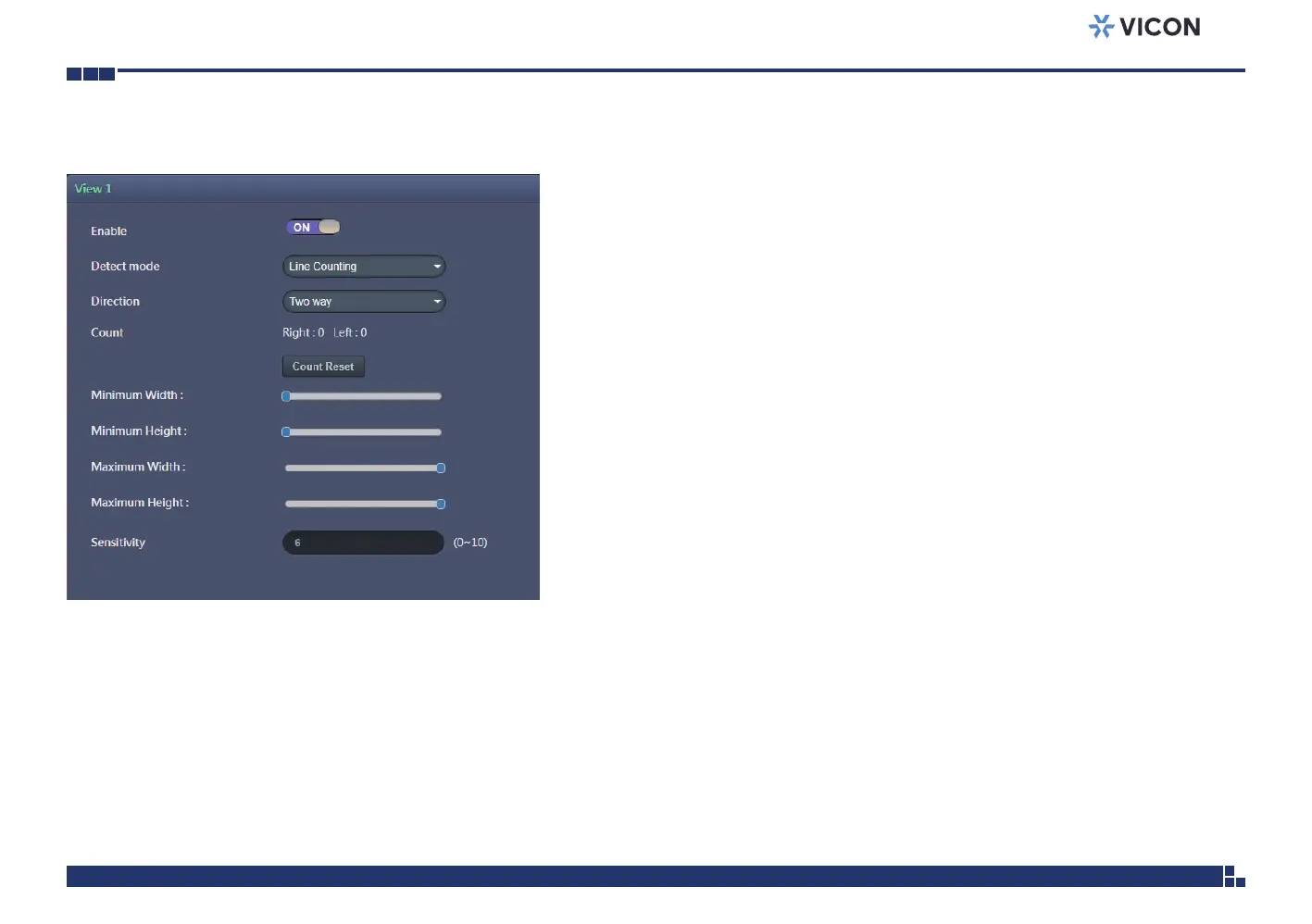
Count Reset
Resets all the counting results of Line Counting or Zone Counting to zero.
Setup Detection Area
Enable
Enables or disables the detection area for monitoring objects. When enabled,
the minimum and maximum width and height of the detection area can be
configured through the slider bars.
Save
Save button to apply the configurations; click on this button once and all the
settings are confirmed for the new changes to take effect.
Reset
Reset button to discard all the settings and revert to the previous settings.
Video Analysis Cont.



 To Next Page