64
Multi-Sensor 360 User Manual
Chapter 2: Camera Configuration
Copyright © 2021 Vicon Industires Inc. All Rights Reserved.
Event - FTP Upload
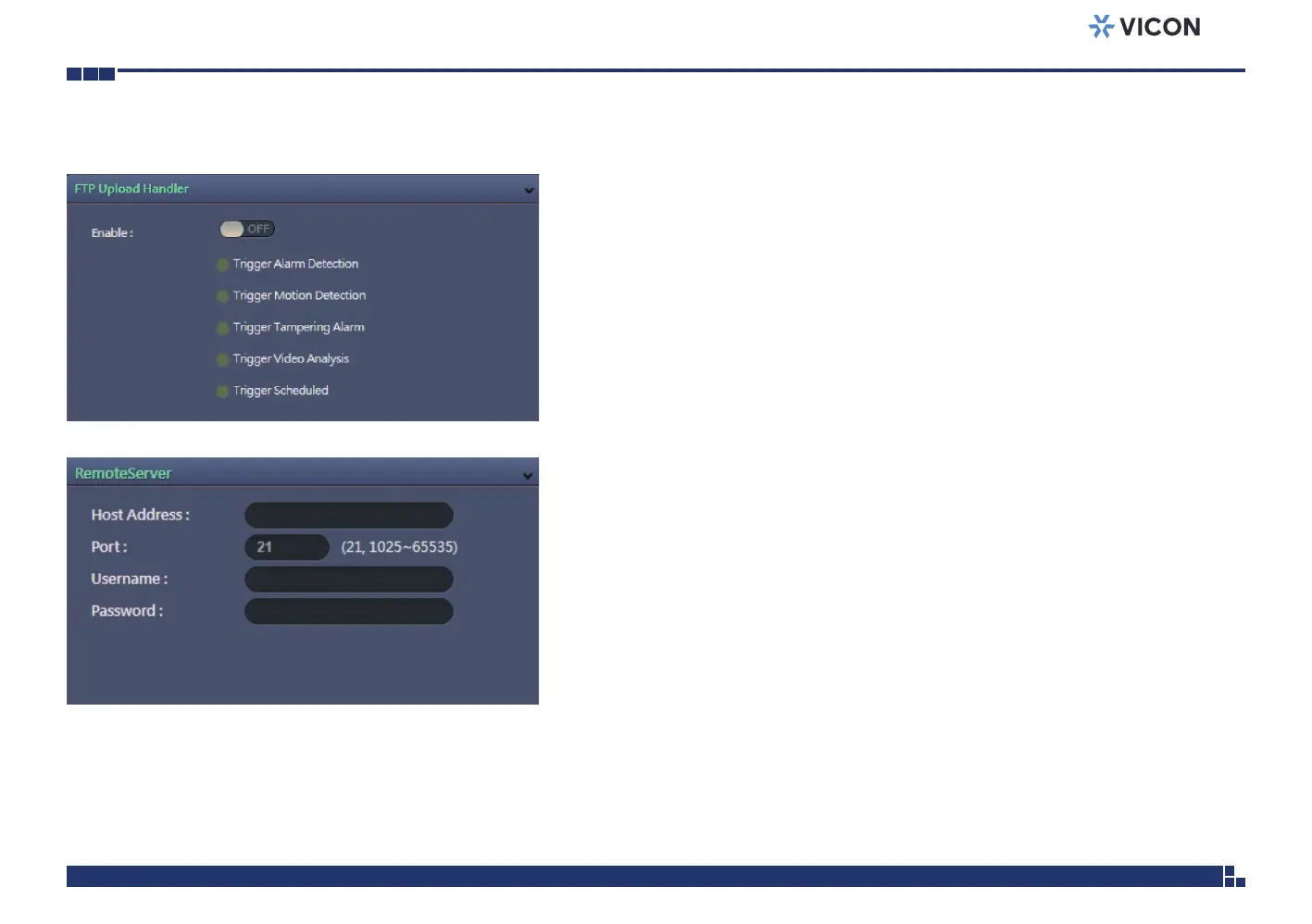
FTP Upload Handler Configurations
Configures which type of event trigger to enable and the FTP server address
that the camera will connect to. The options are:
▪ Trigger Alarm Detection
▪ Trigger Motion Detection
▪ Trigger Tampering Alarm
▪ Trigger Video Analysis
▪ Trigger Scheduled
Remote Server
Host Address
Specifies the host name or IP address of the FTP server.
Port
Specifies the port number of the FTP server.
Username
Specifies the login username for the FTP server.
Password
Specifies the login password for the FTP server.
Save
Save button to apply the configurations; click on this button once and all the
settings are confirmed for the new changes to take effect.
Reset
Reset button to discard all the settings and revert to the previous settings.



 To Next Page