21
Multi-Sensor 360 User Manual
Chapter 2: Camera Configuration
Copyright © 2021 Vicon Industires Inc. All Rights Reserved.
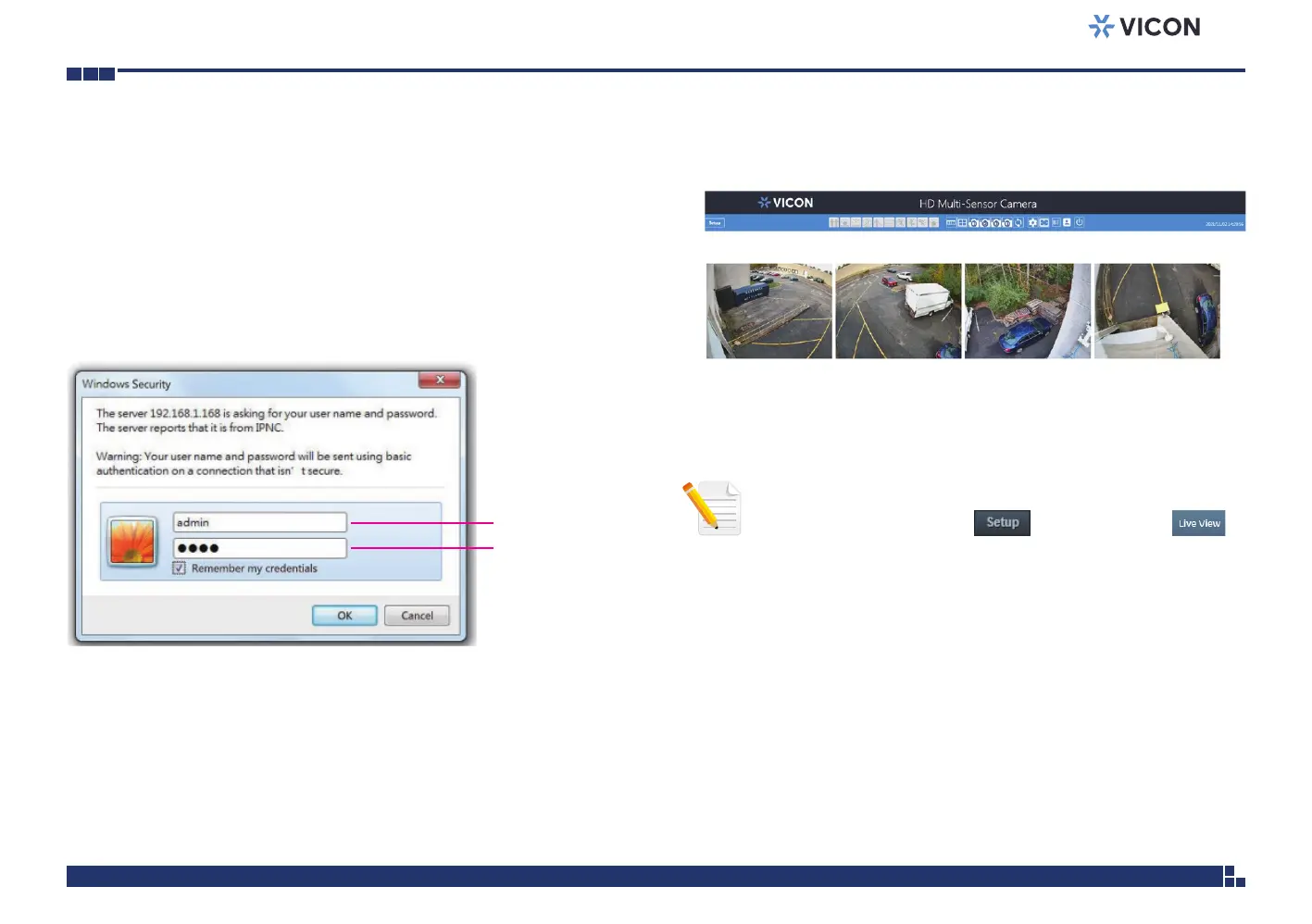
ADMIN
1234
1. Locate and open one of the web browsers (such as Internet Explorer,
Chrome, Firefox, etc.) shortcut on the desktop.
2. In the address bar, type IP address of the camera and then press the
Enter button.
3. You will be prompted with a pop-up window asking for login
information, type in “ADMIN” (default login name) and
“1234” (default password).
4. Once logged in, you will see the main screen.
Web Browser
Note: The recommended browsers to use are Internet Explorer,
Safari, Firefox and Chrome. However, Chrome only supports the
viewing of the web Setup menu; Live View of
the video stream is not supported.



 To Next Page