67
Multi-Sensor 360 User Manual
Chapter 2: Camera Configuration
Copyright © 2021 Vicon Industires Inc. All Rights Reserved.
Event - Network Storage
Network Storage Configurations
Network Storage
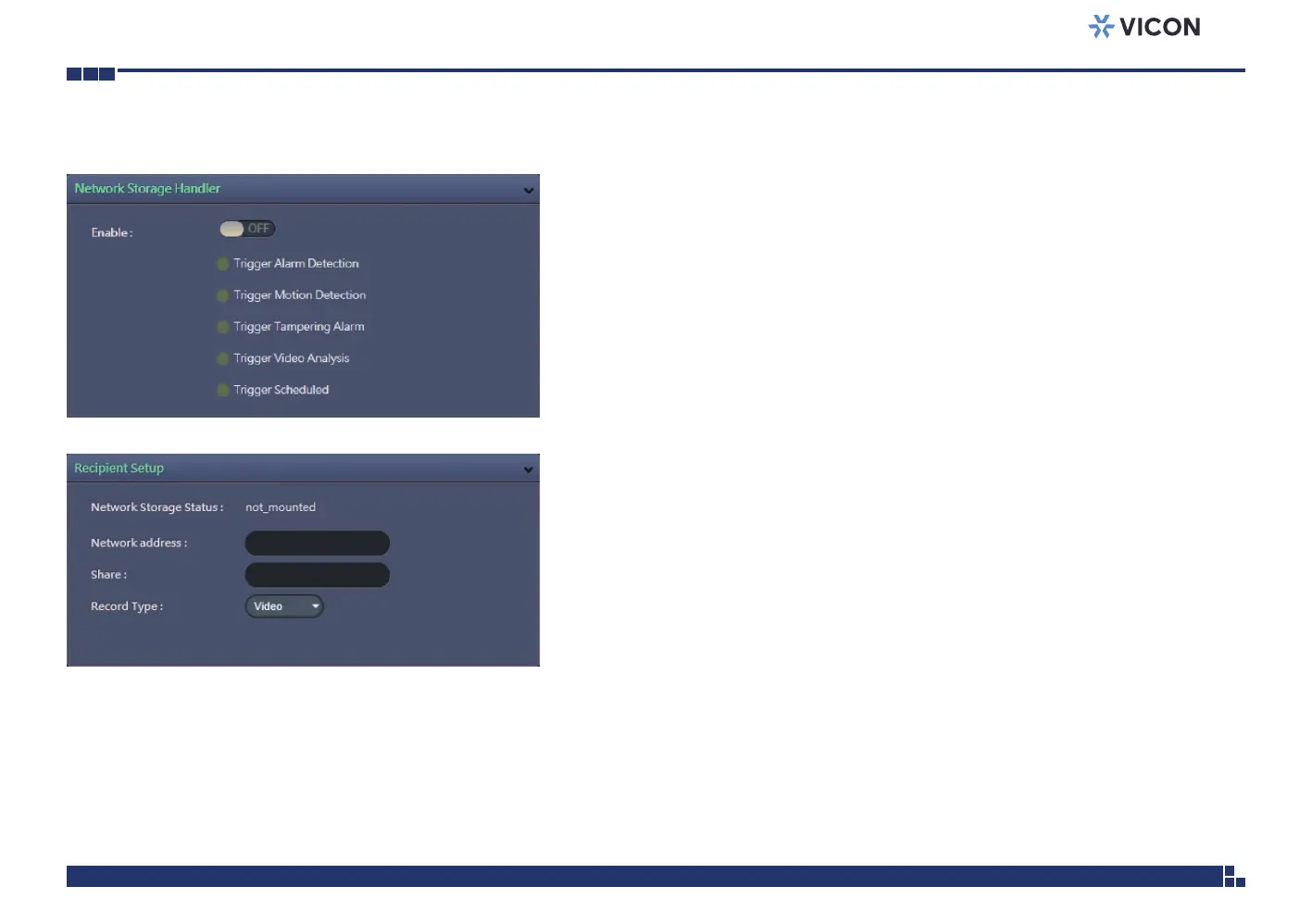
This section configures the network storage server address that the camera
will use when an event trigger is detected.
Trigger Event
Configures which type of event trigger to enable and the network storage
server that the camera will connect to. The options are:
▪ Enable Trigger Alarm Detection
▪ Enable Trigger Motion Detection
▪ Enable Trigger Tampering Alarm
▪ Enable Trigger Video Analysis
▪ Enable Trigger Scheduled
Recipient Setup
Network Storage Status
Displays the current connection status with the network storage server.
(not_mounted or ok)
Network Address
Specifies the IP address of the network storage server.
Share
Specifies the shared folder name on the network storage server.
Record Type
Specifies the event trigger action. The options are Snapshot and Video.



 To Next Page