24
Multi-Sensor 360 User Manual
Chapter 2: Camera Configuration
Copyright © 2021 Vicon Industires Inc. All Rights Reserved.
Browsing Through the Configuration Menu
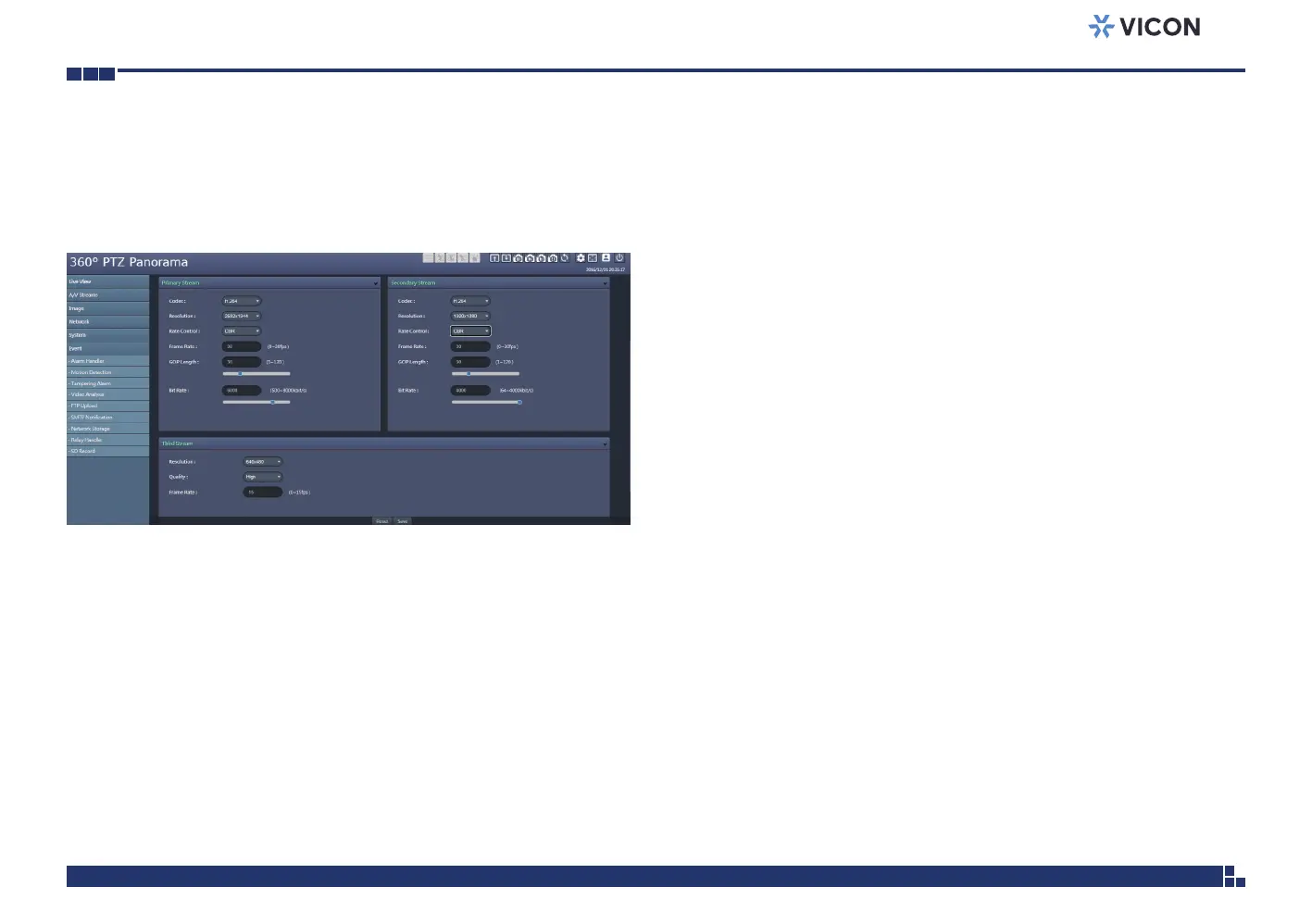
The layout of the configuration menu is divided into two sections. All the
camera settings are located on the left hand side of the interface; clicking on
each of them will open their corresponding sub-menu on the right.
The following are the camera settings available on the left hand side:
▪ A/V Streams
– Video Configuration
– Audio Configuration
▪ Image
– Exposure
– Basic Settings
– PTZ
– ROI
– Privacy Zone
– OSD
▪ Network
– Basic
– FTP
– SSL
– 802.1x
– SNMP
– Firewall
– LDAP
– DDNS
– RTSP
▪ System
– Date/Time
– Maintenance
– User Management
▪ Event
– Alarm Handler
– Motion Detection
– Tampering Alarm
– Video Analysis
– FTP Upload
– SMTP Notification
– Network Storage
– Relay Handler
– SD Record



 To Next Page