29
Multi-Sensor 360 User Manual
Chapter 2: Camera Configuration
Copyright © 2021 Vicon Industires Inc. All Rights Reserved.
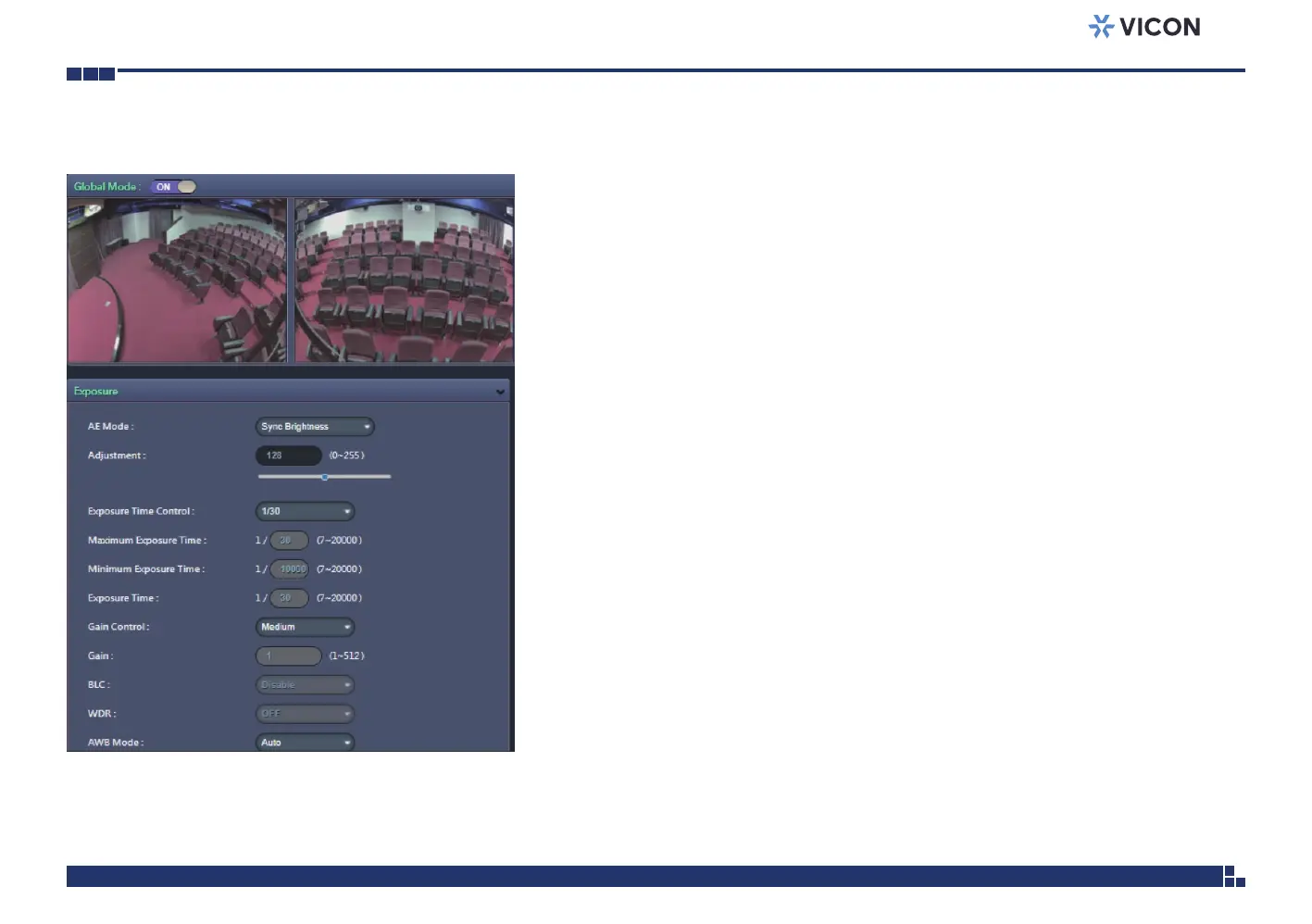
Image - Exposure
Global Mode
The available options are ON and OFF.
Enable Global Mode (ON)
Set up the parameters for 4 image channels together. After enabling
Global ON, also select “Sync Brightness” from the AE Mode. Then
the parameters of all the 4 image channels will be the same and can be
adjusted together. Press Save to keep the configurations.
Disable Global Mode (OFF)
Set up the parameters for each image channel independently. Each image
channel can be adjusted individually. After setting up the parameters, press
Save to keep the configurations.



 To Next Page